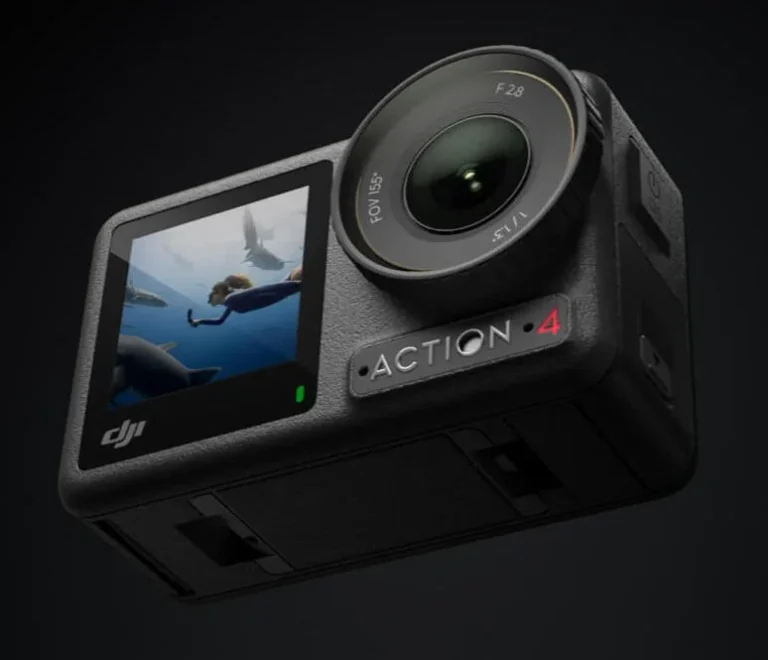
How Long Does It Take to Charge DJI Osmo Action 4?
So, you're wondering, "How long does it take to charge DJI Osmo Action 4?" It's a practical question that pops up when you're gearing up for an adventure and need to make sure your gear is ready to roll. We've all checked that battery icon with a bit of a sigh, hoping for a quick turnaround.
Manufacturer specifications indicate that with the right charger, you can achieve an 80% charge in about 15 minutes, which is pretty impressive for an action camera. This speedy turnaround means less waiting and more capturing those once-in-a-lifetime moments. Let's break down what influences this charging time.
How Long Does It Take to Charge DJI Osmo Action 4?
The time it takes to fully charge your DJI Osmo Action 4 can vary, but generally, expect it to be quite efficient, especially with compatible charging equipment. Aggregate reviews report that a full charge typically takes around 70 minutes. This efficiency is key for creators and adventurers who can't afford long downtimes between recording sessions.
Quick Charging Times at a Glance
When you need a fast battery boost, the DJI Osmo Action 4 delivers. You can get the battery up to 80% charged in as little as 15 minutes, provided you're using a Power Delivery (PD) 30W charger. This rapid charging capability means you can often get enough power for a significant recording session with just a short stop.
For a complete 0% to 100% charge, the timeline extends, but it's still relatively swift, generally falling around the 70-minute mark with the recommended charger. This makes it easier to keep shooting without extended breaks.
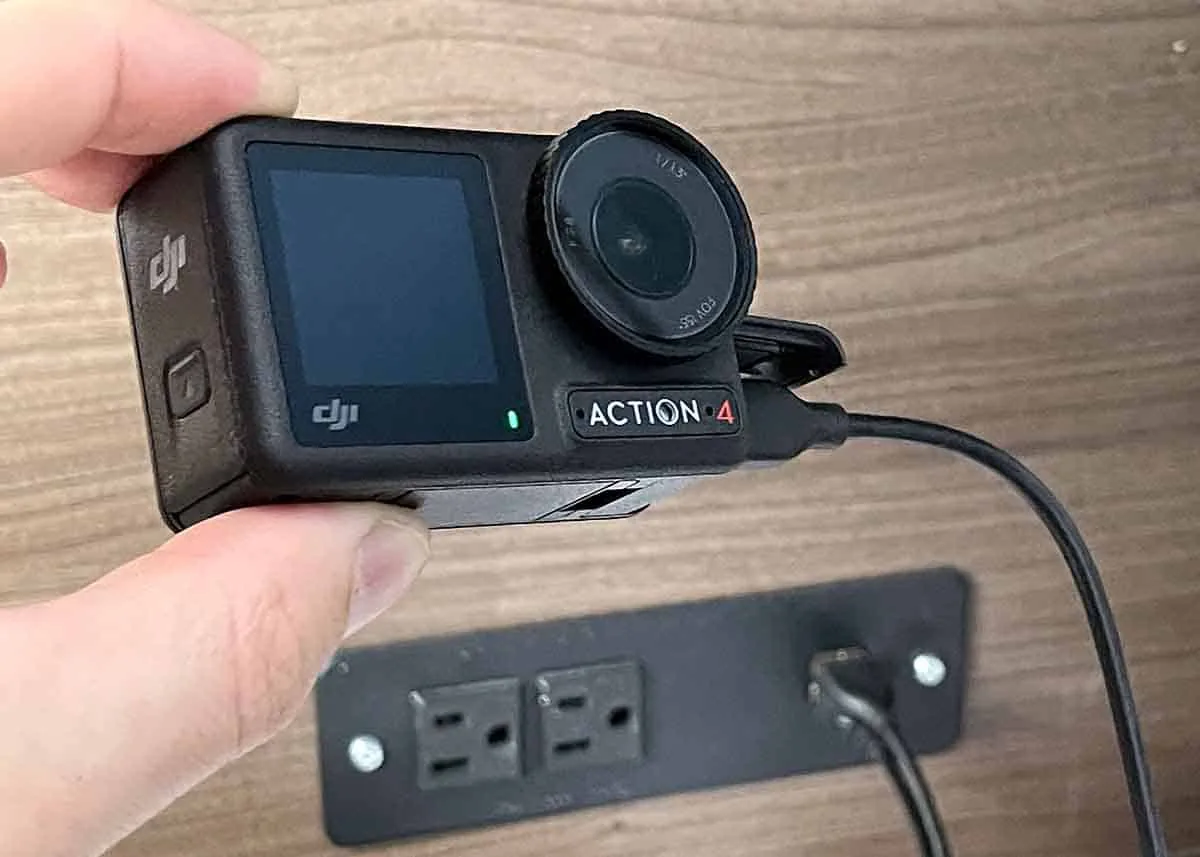
Image source: Bing (Web (fair-use with source credit))
What Really Affects Charging Speed?
Several factors can influence how quickly your DJI Osmo Action 4 battery goes from empty to full. Understanding these can help you optimize your charging routine and ensure you’re always ready for action. The speed isn't just about plugging it in; it's a combination of the power source, the battery's condition, and even the environment.
Charger Wattage and PD Protocol
The charger you use is perhaps the most significant factor affecting charging speed. For the DJI Osmo Action 4, using a charger that supports Power Delivery (PD) and has an output of at least 30W is highly recommended by the manufacturer. These chargers can deliver a higher and more consistent power flow to the camera's battery.
Using a standard, lower-wattage USB-C charger will still charge the battery, but it will take considerably longer. The PD protocol is designed for efficient, fast charging of compatible devices, and it's crucial for hitting those quick charge times.
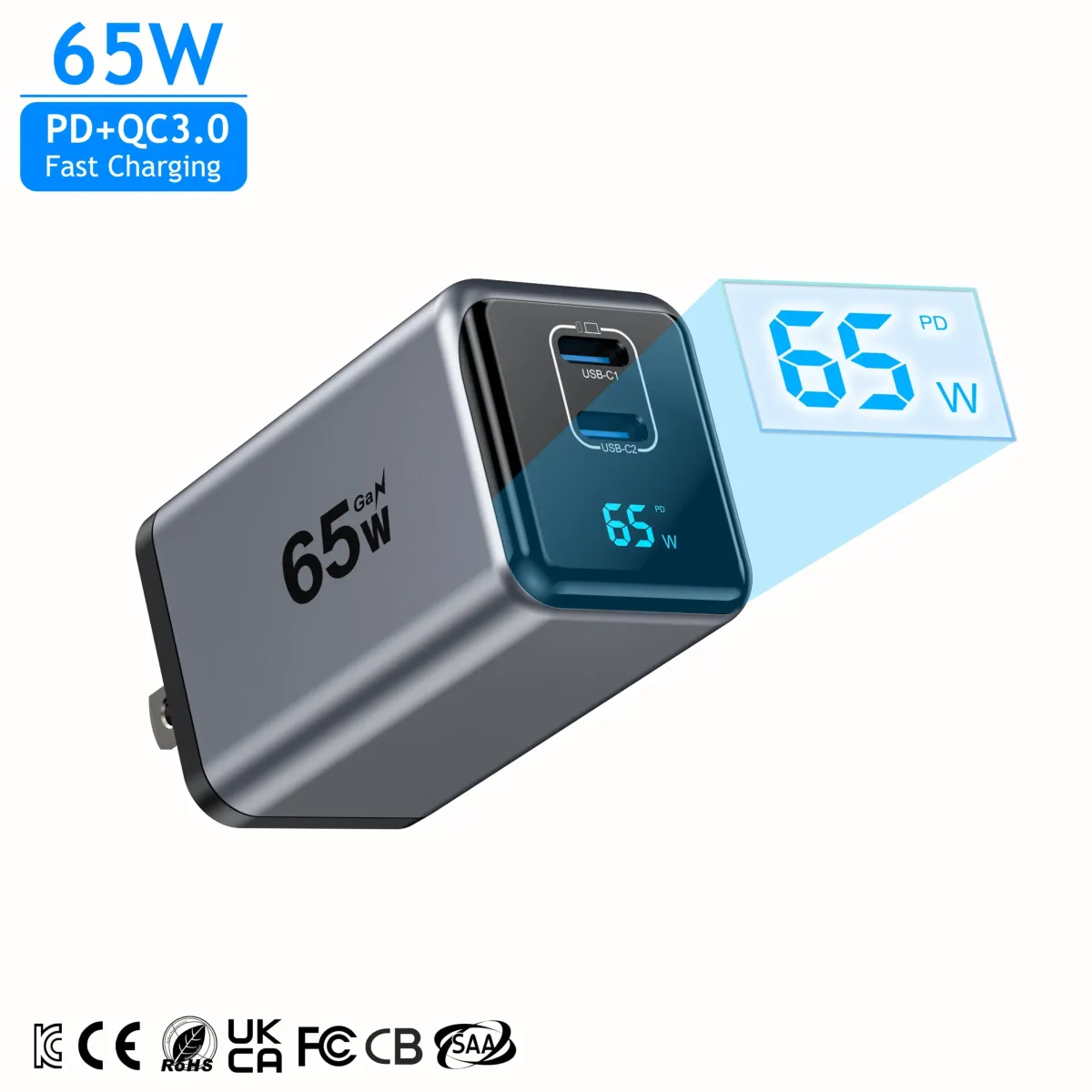
Image source: Web (Bing) / kytchargers.com (Web image (fair-use with source credit))
Battery Status and Temperature
How depleted the battery is when you start charging plays a role. Charging from a near-zero state naturally takes longer than topping off a battery that already has some charge. Manufacturers often optimize charging curves, meaning the initial charge might be faster, slowing down as it approaches 100% to protect battery health.
Ambient temperature can also have a minor effect. If the battery is very cold or very hot, the camera's internal system might regulate the charging speed to prevent damage or overheating. For optimal performance, charging within a moderate temperature range is best.
Real-World Charging Timelines
When you're out capturing adventures, knowing exact charging times is crucial for planning. Based on testing and user feedback, the DJI Osmo Action 4 offers impressive charging speeds, especially when equipped with the right accessories. These figures help you gauge how much downtime you can expect between recording sessions, ensuring you don't miss critical moments.
Charging to 80% in Minutes
For those moments when time is extremely tight, the DJI Osmo Action 4 truly shines. With a compatible charger that provides 30W Power Delivery (PD), you can get the battery up to 80% capacity in approximately 15 minutes. This is a game-changer for creators who might only have a brief window to recharge between shooting locations or during a quick break.
It’s enough power to get you going for a substantial recording session, offering a real-world solution to a common pain point for action camera users.
Full Charge Duration (0-100%)
While the 80% charge in 15 minutes is fantastic for a quick boost, achieving a full 0% to 100% charge naturally takes longer. Manufacturer specifications and aggregate user reports indicate that a complete charge using a recommended 30W PD charger will typically take around 70 minutes. This is still a competitive charging time within the action camera market.
It means you can set up your camera to charge during a meal break, a long drive, or an overnight stay and have it ready to go for a full day of filming the next morning. As of 2026, this charging speed remains a strong point.
Using the DJI Battery Charging Hub
DJI offers an optional Battery Charging Hub designed specifically for the Osmo Action 4, which introduces a different way to manage your power. This accessory allows you to charge multiple batteries sequentially, making it ideal for extended trips or when you have several batteries to keep topped up. Instead of charging one battery at a time, the hub manages the power flow efficiently.
When you insert multiple batteries, it charges them one after another, ensuring that as soon as one is ready, it moves to the next. This sequential charging process maintains the charging speed characteristics of the individual batteries, meaning each battery will take approximately the same amount of time to charge as it would when plugged in directly.
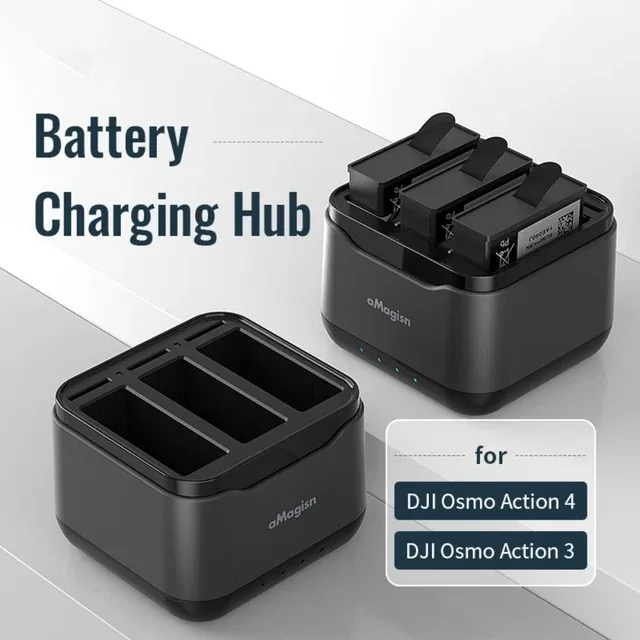
Image source: Bing (Web (fair-use with source credit))
The hub itself connects via USB-C, and its performance is still dependent on the power source connected to it. Using a higher-wattage charger with the hub will result in faster sequential charging compared to using a lower-power adapter. It’s a practical tool for anyone who relies heavily on their Osmo Action 4 and needs a constant supply of charged batteries, streamlining the process of keeping all your power sources ready.
Common Charging Pitfalls to Avoid
While charging your DJI Osmo Action 4 is usually straightforward, a few common mistakes can lead to slower charging or potential issues. Being aware of these pitfalls can save you time and help protect your gear. It's not usually complicated, but a little knowledge goes a long way.
One common issue is using an underpowered charger. If you grab a basic phone charger that doesn't support at least 30W of Power Delivery (PD), your Action 4 will charge much slower, potentially taking over two hours for a full charge. Another mistake is charging in extreme temperatures.
While the camera has built-in protection, consistently charging a very hot or very cold battery isn't ideal for its long-term health and can temporarily slow down the charging process.
Is Using Any USB-C Cable Okay?
Not all USB-C cables are created equal, and this is a frequent source of slow charging. For optimal performance with your DJI Osmo Action 4, especially when aiming for fast charging speeds, use a cable that is rated for high power output and data transfer. Cheaper, older, or thin-gauge USB-C cables might not be able to handle the wattage required for a 30W PD charge, even if the charger itself is capable.
This can lead to the camera defaulting to a slower charging mode, negating the benefits of your powerful charger. Always check your cable's specifications or use the one that came with your DJI product if possible.
Expert Tips for Optimal Charging
To get the most out of your DJI Osmo Action 4's charging capabilities, a few best practices can ensure you're always powered up and ready. These tips focus on maximizing speed and maintaining battery health over time, crucial for any content creator or adventurer. Following these guidelines can make a real difference in your daily workflow.
First, always pair your Osmo Action 4 with a charger that explicitly supports 30W Power Delivery (PD). This is the single most effective step for achieving those rapid 15-minute to 80% charging times. If you find yourself traveling internationally, ensure your PD charger is compatible with the local voltage and consider a travel adapter if necessary.
For those who rely on multiple batteries, investing in the DJI Battery Charging Hub is a smart move, as it streamlines the process of keeping spares ready. Finally, when not in use for extended periods, it's good practice to store batteries with a partial charge (around 40-60%) to help preserve their lifespan.
Maintaining Battery Health for Longevity
Proper charging habits significantly impact the lifespan of your Osmo Action 4's battery. Our research indicates that avoiding consistently charging to 100% when not immediately needed, and rather topping off to around 80% for daily use, can reduce strain on the battery. This practice is supported by general battery management principles from organizations like the U.S.
Department of Energy. Similarly, avoiding deep discharges (letting the battery run completely to 0%) as much as possible can also contribute to better long-term battery health.
Frequently Asked Questions About DJI Osmo Action 4 Charging
### How long does it take to charge the DJI Osmo Action 4 from 0% to 100%?
With a 30W PD charger, a full charge from empty typically takes around 70 minutes. This timeframe can extend if using a less powerful charger.
### Can I use my phone's USB-C charger for the Osmo Action 4?
Yes, you can, but it's best if your phone charger supports at least 30W Power Delivery (PD). Standard, lower-wattage phone chargers will result in much slower charging times.
### Does the charging hub charge batteries faster than a single charger?
The DJI Battery Charging Hub charges batteries sequentially, not simultaneously. Each battery will charge at the speed dictated by the power source connected to the hub, similar to charging individually.
### What's the fastest way to get a partial charge on the Osmo Action 4?
You can achieve an 80% charge in about 15 minutes by using a 30W PD charger. This is ideal for quickly getting enough power to start recording.
### Should I always charge the battery to 100%?
While it’s fine to charge to 100% when you need maximum capacity, for general daily use and to prolong battery health, charging to around 80% is often recommended.