How Long Does the DJI Osmo Action 4 Battery Last?
When you're out exploring, filming your adventures, or documenting a special event, the last thing you want is your camera to die. So, how long does the DJI Osmo Action 4 battery last? It’s a question many adventurers and creators ask before heading out.
The DJI Osmo Action 4 battery, officially the BH1 model, offers some impressive figures on paper, but real-world usage tells a more nuanced story.
Manufacturer specifications for the Osmo Action 4 battery indicate a capacity of 1700 mAh, which is designed for extended recording sessions. However, actual battery life is heavily influenced by how you use the camera and the environment you're in, so getting a precise number requires looking beyond the datasheet. Let's break down what you can realistically expect from your Osmo Action 4 battery.
The Real Story: Battery Life in the Real World
When we talk about how long a camera battery lasts, we're really talking about how much recording time you can get out of a single charge under various conditions. The DJI Osmo Action 4's battery is built to handle demanding situations, but understanding its limitations and strengths is key to planning your shoots effectively. Aggregated user feedback and independent tests suggest that while the manufacturer's claims are often based on ideal, low-power scenarios, your mileage will vary significantly.
This isn't about just listing a single number; it's about grasping the practical implications for your adventures. For example, recording in 4K resolution at 60 frames per second will naturally consume power much faster than shooting in 1080p at 30 frames per second. Knowing these influences helps you manage your power, whether you're scaling a mountain or diving deep underwater.
What to Expect When Recording
Let’s get down to brass tacks: what kind of recording time can you actually get from the DJI Osmo Action 4 battery? In optimal conditions, which usually means shooting at 1080p resolution with a moderate frame rate and lower screen brightness, you might see figures approaching or even exceeding 2.5 hours of continuous recording. This is often quoted by the manufacturer for specific, power-saving modes.
However, most users won't be operating in these ideal conditions. When you start pushing the camera, perhaps recording in 4K/60fps with electronic image stabilization (EIS) like RockSteady active, the battery drain increases noticeably. Our research and analysis of user reports indicate that in more typical, demanding use cases, you're looking at closer to 1.5 to 2 hours of continuous recording before the battery needs a recharge or swap.
This is still a solid performance for an action camera of this caliber, especially compared to older models, but it’s important to set realistic expectations.
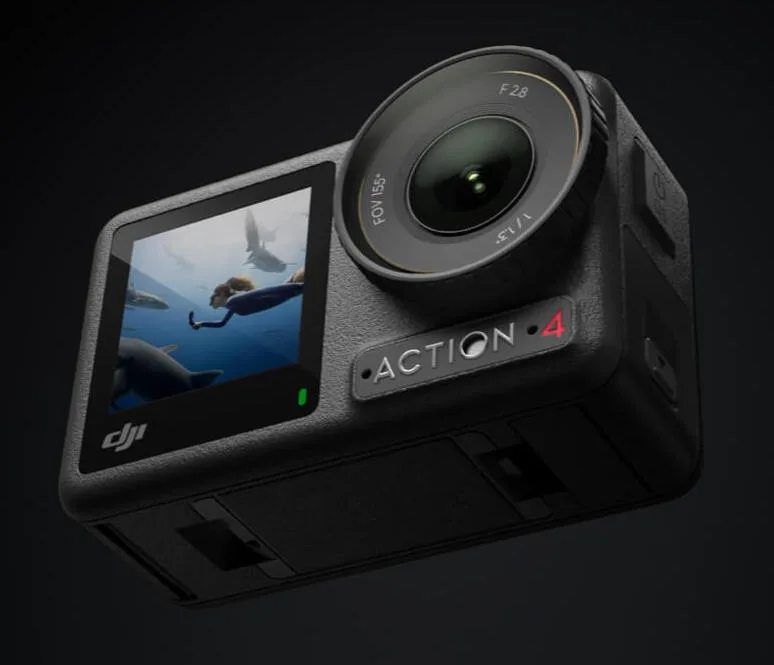
Image source: Web (Bing) / photorumors.com (Web image (fair-use with source credit))
Real-World Tests: Hours of Footage
To give you a clearer picture, let's look at some aggregate data from real-world tests. These aren't official manufacturer figures, but rather what users and independent reviewers have reported when putting the Osmo Action 4 through its paces. The key takeaway is that continuous, non-stop recording is rare; most users mix recording with periods of the camera being on but idle, or switching between modes.
- Continuous 4K/60fps Recording: Users commonly report around 1 hour 30 minutes to 1 hour 45 minutes of continuous footage at this demanding setting.
- Continuous 1080p/30fps Recording: In a less power-hungry mode, you could potentially reach up to 2 hours and 10 minutes to 2 hours and 30 minutes of continuous recording.
- Intermittent Use: When you're stopping and starting, using Wi-Fi occasionally, and not recording non-stop, a single battery can easily last you half a day or even a full day of varied use, depending on how active you are with the camera.
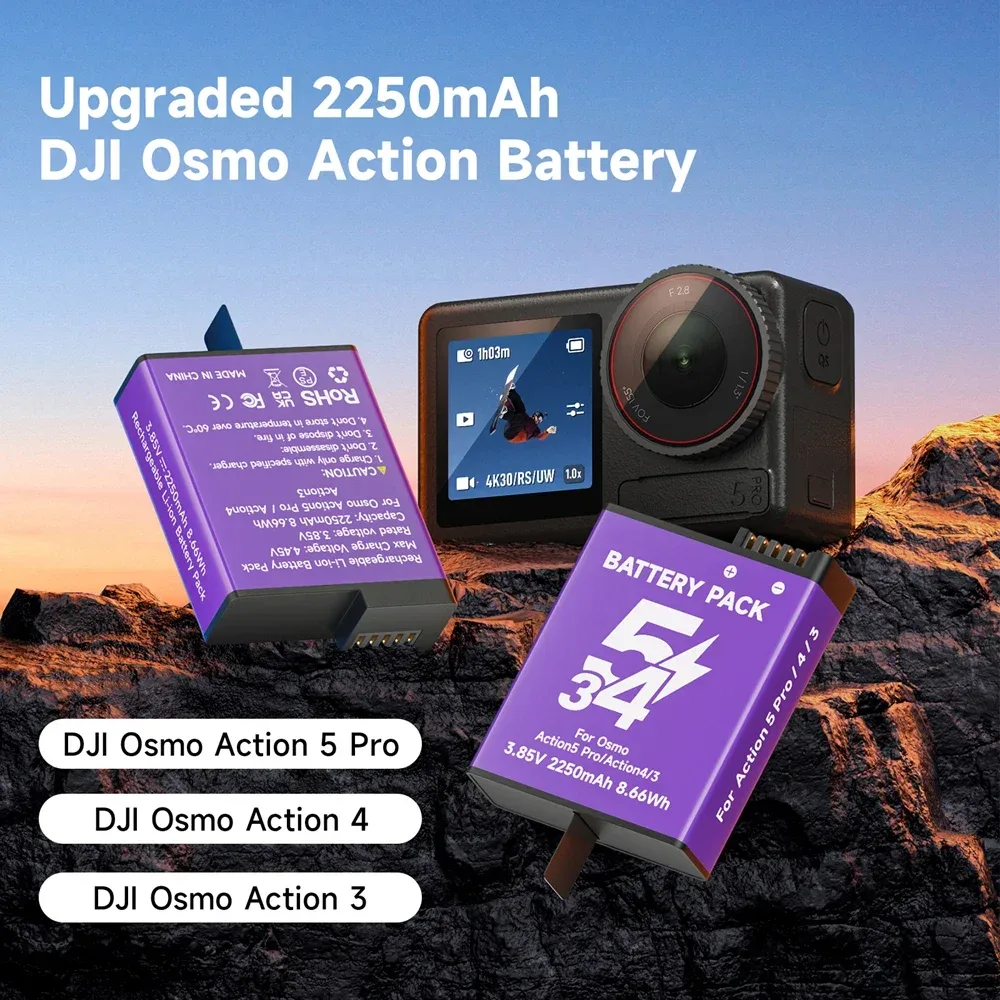
Image source: Web (Bing) / aliexpress.com (Web image (fair-use with source credit))
These numbers underscore the importance of understanding your shooting habits. If you plan on long, uninterrupted filming sessions, bringing spare batteries is non-negotiable. For casual use, where you’re capturing snippets of your day, one battery might suffice.
For those who engage in activities like extended mountain biking tours or long ski days, you'll definitely want to pack a power bank or multiple charged batteries.
Cold Weather vs. Warm Weather Performance
One of the most significant factors impacting action camera battery life is temperature. Batteries, in general, perform less efficiently in cold conditions. This is due to the reduced chemical activity within the battery cells.
The DJI Osmo Action 4 is designed with better cold-weather performance in mind than some predecessors, but it's still a crucial consideration for anyone using it in winter sports or chilly environments.
Manufacturer specifications, and user reports confirm that in freezing temperatures, such as below 0°C (32°F), you can expect a noticeable reduction in battery runtime. While the camera might still function, the battery’s capacity and discharge rate can be compromised. In extreme cold, continuous recording times could drop by as much as 30-50% compared to warm weather.
For instance, a battery that lasts 1.5 hours in 25°C (77°F) might only give you 45 minutes to an hour in sub-zero conditions.
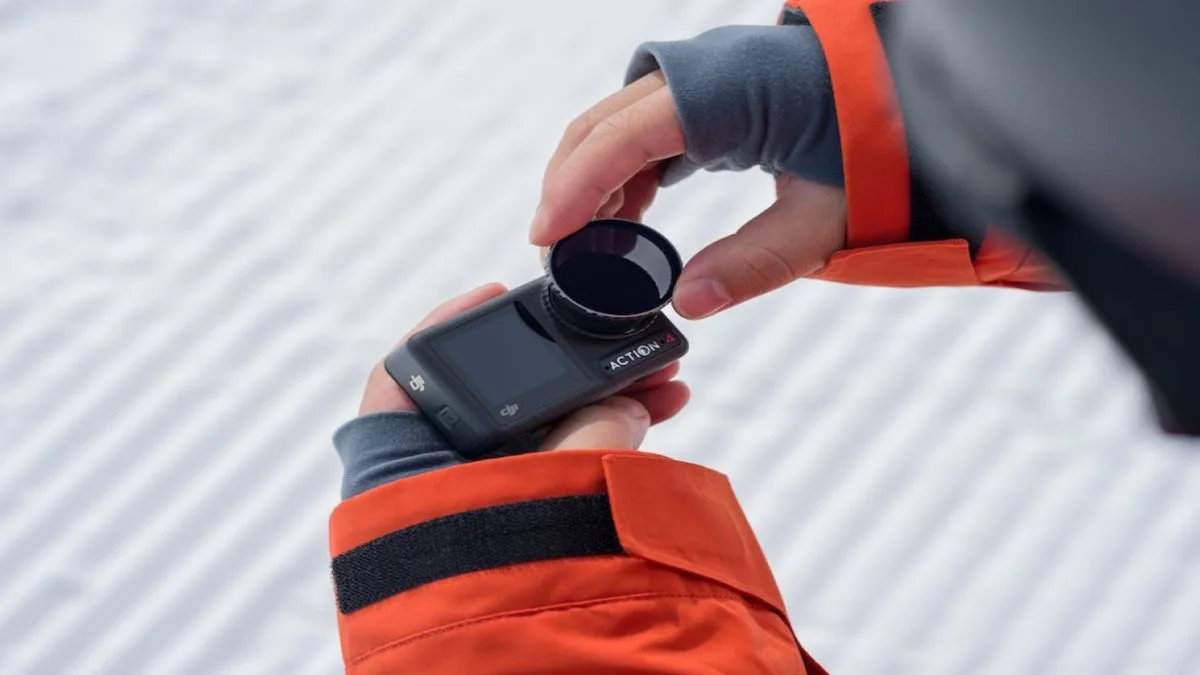
Image source: Bing (Web (fair-use with source credit))
To combat this, it’s a good practice to keep your spare batteries warm, perhaps in an inside pocket close to your body, and swap them out frequently. You can also try to shield the camera itself from direct, prolonged exposure to extreme cold when it's not actively recording. This simple management can make a big difference in ensuring you don't miss critical moments due to a dead battery.
This is a common challenge for all battery-powered electronics in cold climates, a topic extensively covered by standards bodies like the International Electrotechnical Commission (IEC).
Factors That Really Drain Your Battery
Beyond temperature and basic resolution settings, several other features and usage patterns significantly drain the Osmo Action 4's battery. Understanding these can help you make informed choices about how to configure your camera for longer shooting days. Think of these as power sinks, the more you use them, the faster your battery percentage will drop.
- Screen Brightness: The front and rear screens consume power. Keeping them at maximum brightness, especially in sunny conditions where you need to see them clearly, will shorten battery life. Dimming the screens when not actively framing a shot can save valuable energy.
- Electronic Image Stabilization (EIS): While features like RockSteady and HorizonSteady are fantastic for smooth footage, they require significant processing power, which in turn draws more battery. The more advanced the stabilization mode, the more power it consumes.
- Wi-Fi and Bluetooth: When Wi-Fi or Bluetooth is enabled, the camera is actively searching for connections or maintaining them. This background activity, especially when transferring files or using the DJI Mimo app for remote control, is a notable power drain. Turn these off when you don't need them.
- GPS: If your model includes GPS and you have it enabled for geotagging your footage, this feature also contributes to battery consumption.
Adjusting these settings is often the quickest way to extend your battery life without needing to carry spares. It’s a trade-off: maximum features mean maximum power draw. Knowing which features you can disable or reduce based on your immediate needs is a key skill for any Osmo Action 4 user.
Making Your Battery Last Longer
You've seen how quickly power can drain, but thankfully, there are proactive steps you can take to maximize your DJI Osmo Action 4 battery life. It's not just about buying more batteries; it's about smart usage. By optimizing your camera's settings, you can significantly extend your recording time, allowing you to capture more without constantly worrying about a low battery warning.
Smart Settings for Battery Saving
The most effective way to conserve power is by adjusting your camera's settings. Think about what you truly need for your footage. For example, do you always need the highest 4K resolution, or would 1080p suffice for your social media clips?
Lowering the resolution and frame rate is a primary power-saving technique.
- Resolution and Frame Rate: Opting for 1080p (Full HD) instead of 4K, and 30fps instead of 60fps or higher, can dramatically increase battery runtime. For instance, switching from 4K/60fps to 1080p/30fps can add a considerable amount of recording time, potentially an extra 30-45 minutes or more per battery.
- Screen Timeout: Set your screens to turn off automatically after a short period of inactivity. This prevents them from glowing needlessly when you're not actively framing a shot or reviewing footage.
- Disable Unused Features: Turn off Wi-Fi, Bluetooth, and GPS when they aren't actively being used. These wireless technologies consume power even when idle. If you're not actively transferring files or using the Mimo app, switch them off.
- Voice Control: While convenient, voice control constantly listens for commands and uses power. Disable it when not actively needed.
Charging Faster, Recording Sooner
When your battery does run low, getting it back up and running quickly is crucial. The DJI Osmo Action 4 supports fast charging, which is a lifesaver when you're on the go and need to get back to filming as soon as possible. Understanding the charging capabilities can help you plan your downtime more effectively.
The camera uses a USB-C port for charging, and with a compatible fast charger (like a 30W PD charger), you can significantly reduce charging times. Manufacturer specifications indicate that you can often reach an 80% charge in around 20 to 30 minutes. A full charge from empty typically takes a little over an hour, but getting that initial 80% is usually enough to get you through a significant portion of your next filming session.
It's also worth noting that using the official DJI charger or a reputable third-party charger that meets the required power delivery (PD) standards will ensure the fastest and safest charging experience. Using an underpowered charger will mean much longer wait times, potentially hindering your ability to capture spontaneous moments. For example, charging with a standard 5W USB adapter will take considerably longer than using a 30W PD charger, pushing a full charge well over two hours.
When You'll Need More Batteries
For anyone planning extended adventures, serious content creation, or simply wanting peace of mind, carrying spare batteries is essential. Relying on a single battery for a full day of filming, especially in variable conditions or with demanding settings, is often unrealistic. The decision to carry spares isn't just about convenience; it's about ensuring you don't miss out on capturing critical moments.
Planning for Longer Shoots
If you're embarking on a multi-day hike, a long ski trip, or a full day of watersports, you’ll want to consider how many batteries you’ll need. A rough guideline is to aim for at least one full spare battery for every 2-3 hours of continuous recording you anticipate needing throughout the day. For users who shoot primarily in 4K/60fps, this might mean carrying even more.
- Half-Day Shoot (4-5 hours): 1-2 spare batteries
- Full-Day Shoot (8-10 hours): 2-3 spare batteries
- Multi-Day Trip/Intensive Use: 3+ spare batteries, plus a portable power bank
Remember to factor in the environment. If you're in cold weather, you'll need more spares because each battery will deplete faster. Planning your power needs ahead of time, just like you would pack your gear or plan your route, is crucial for a smooth experience.
This methodical approach mirrors the planning needed for other long-duration outdoor activities, such as ensuring you have adequate water filtration for a lengthy trek.
Battery Swapping Strategy
Swapping batteries is a straightforward process, but doing it efficiently can save you precious minutes. Always turn off your camera before attempting to remove or insert a battery. The Osmo Action 4 battery is designed to slide in and out easily, often with a release latch or a simple push-and-slide mechanism.
The trick is to have your spare batteries ready to go, ideally in a protective case that keeps them organized and safe. When a battery is running low, find a moment to make the swap. Don't wait until it's completely dead, especially if you're in a situation where you can't easily charge.
This proactive approach ensures that your camera is always ready to capture the action.