Does DJI Osmo Action 4 Have Image Stabilization?
When you're out capturing thrilling adventures or everyday moments, the last thing you want is shaky footage. That's precisely why understanding the image stabilization capabilities of your camera is so critical for producing watchable, professional-looking video content. The DJI Osmo Action 4 is built with advanced stabilization technology to smooth out your shots.
Manufacturer specifications confirm that the DJI Osmo Action 4 features RockSteady 3.0+, its latest electronic image stabilization system, designed to counteract unwanted motion and keep your footage steady. This technology is key to delivering usable video, even when the camera is on the move.
Does DJI Osmo Action 4 Have Image Stabilization?
Yes, the DJI Osmo Action 4 absolutely has image stabilization. It utilizes DJI's proprietary RockSteady 3.0+ electronic image stabilization system, complemented by HorizonSteady. These technologies work together to significantly reduce camera shake and keep horizons level.
Understanding DJI's RockSteady 3.0+ Stabilization
DJI's RockSteady technology has become a hallmark of their action camera lineup, and the Osmo Action 4 brings its most advanced iteration yet, RockSteady 3.0+. In essence, it's an intelligent electronic image stabilization (EIS) system that processes footage in real-time. When you're moving, whether you're running, biking, or simply walking, the camera detects and analyzes every tiny vibration and movement.
RockSteady 3.0+ then digitally counteracts these motions, effectively smoothing out the video feed so it appears far more stable than it would without this processing. This system is designed to work across a wide range of shooting conditions and movement speeds, ensuring your footage remains usable even in dynamic environments.
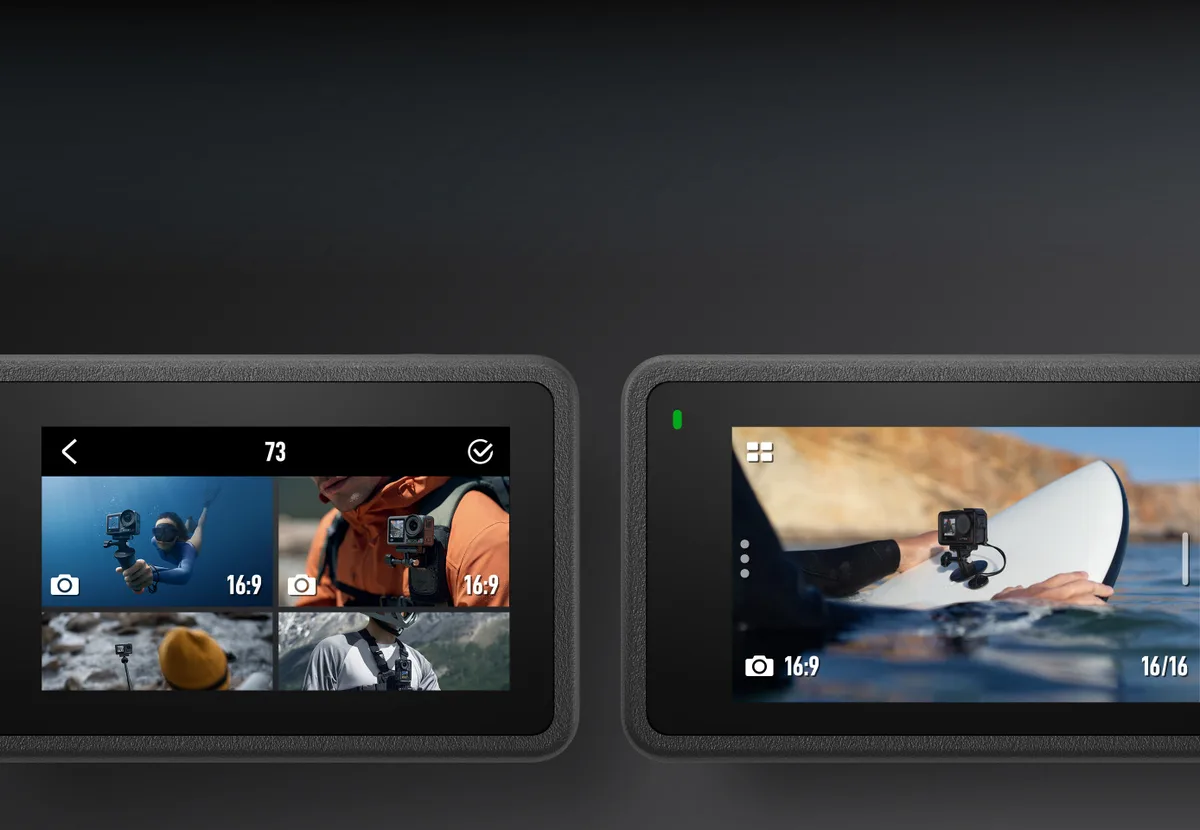
Image source: Bing (Web (fair-use with source credit))
How RockSteady 3.0+ Works
RockSteady 3.0+ operates by analyzing the video feed from the camera's sensor. It uses sophisticated algorithms to detect unwanted jitters, shakes, and rotations that occur during recording. Once these movements are identified, the system digitally shifts the image frame to compensate, effectively moving the image in the opposite direction of the detected motion.
This digital shifting happens at a high frequency and with precise adjustments, so the final output you see is smooth and fluid. For instance, if the camera tilts upward slightly due to a jolt, RockSteady 3.0+ will subtly shift the image downwards within the frame to counteract that tilt. This is all done without any mechanical parts like a traditional gimbal, making it a robust and integrated solution for action cameras.
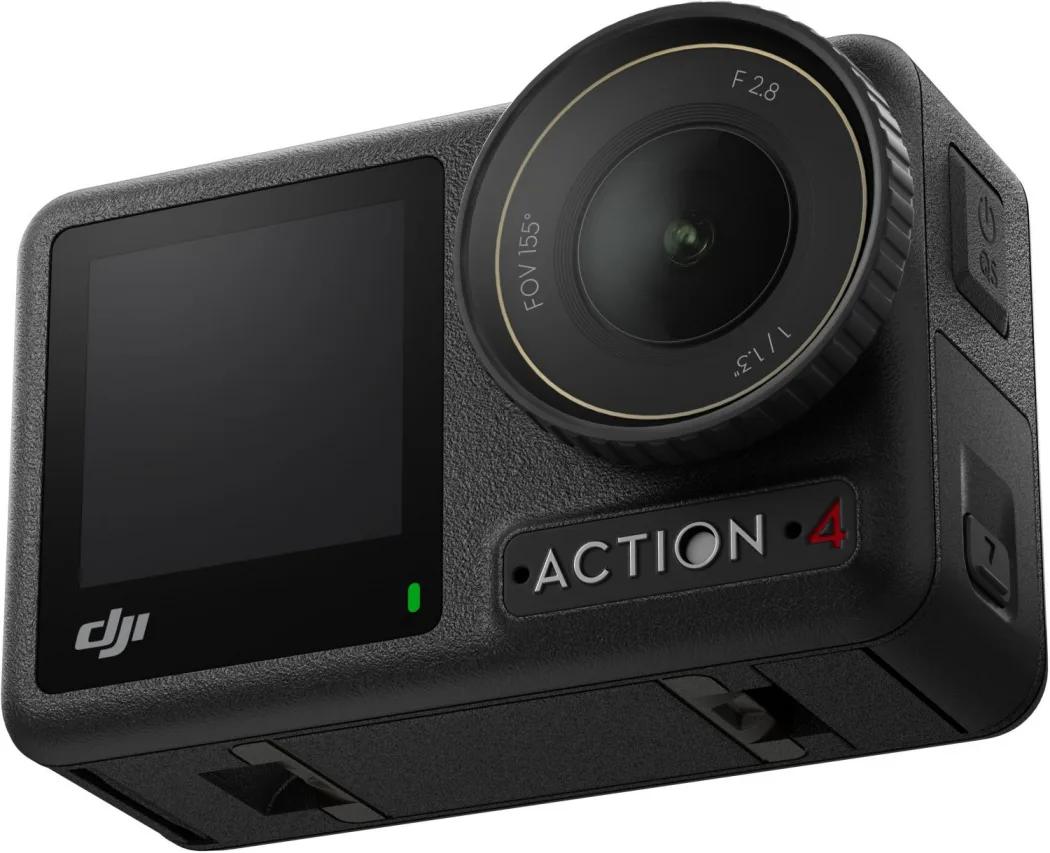
Image source: Web (Bing) / foto-erhardt.com (Web image (fair-use with source credit))
The Power of HorizonSteady
Beyond simply smoothing out the bumps, HorizonSteady is a crucial component that ensures your video maintains a level horizon, regardless of how much the camera itself tilts. This feature is particularly valuable for activities where the camera might be rotated significantly. Think about capturing yourself during a mountain bike descent where the bike itself is leaning hard into a turn, or skiing down a steep slope.
Without HorizonSteady, your video would show a dramatically tilted horizon, which can be disorienting and unprofessional. This system works in conjunction with RockSteady 3.0+, first stabilizing the motion and then ensuring the orientation of the footage stays consistent. This dual-action stabilization provides a superior viewing experience for fast-paced or dynamic content.
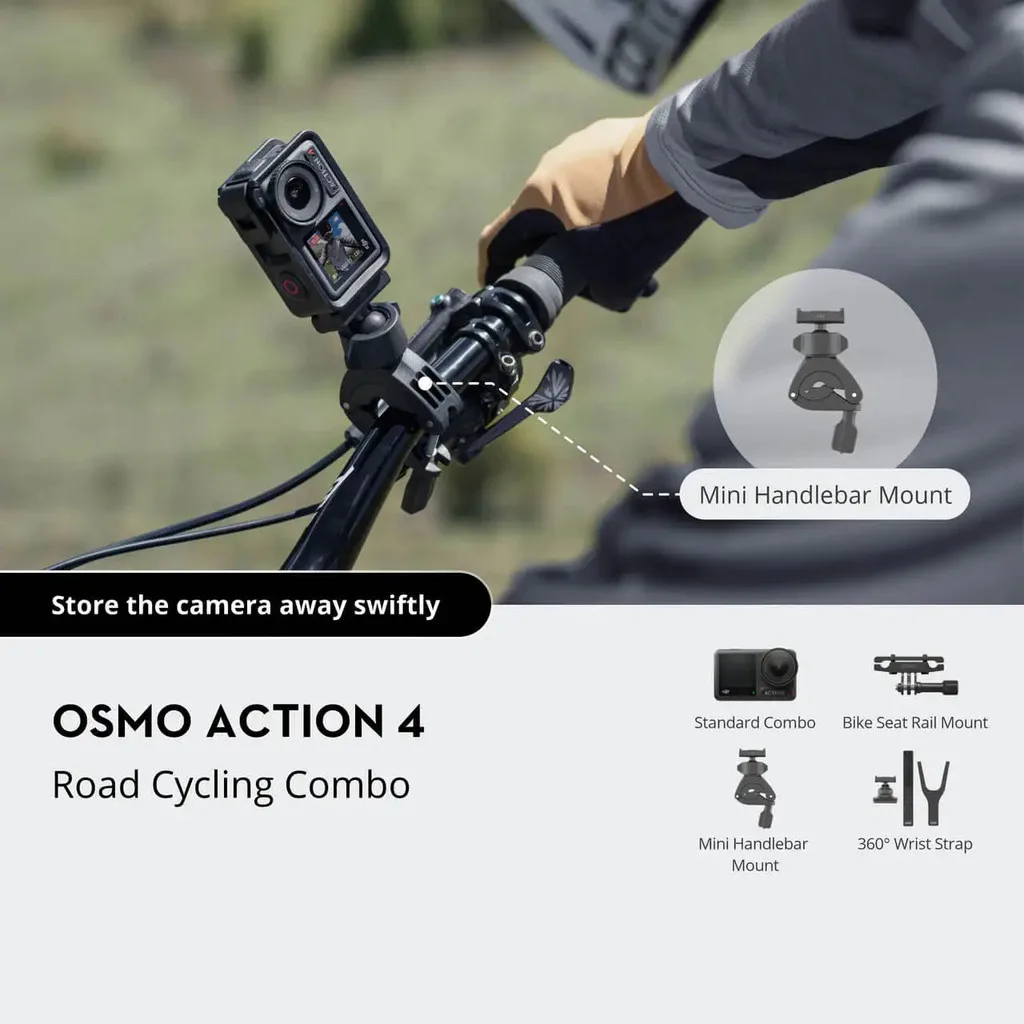
Image source: Bing (Web (fair-use with source credit))
Does HorizonSteady Work in All Modes?
HorizonSteady on the DJI Osmo Action 4 is a powerful tool designed for situations where keeping the horizon level is paramount. Manufacturer specifications confirm that HorizonSteady is available when shooting at resolutions up to 4K/60fps in a 16:9 aspect ratio. While RockSteady 3.0+ offers broader compatibility across various resolutions and frame rates, HorizonSteady has specific parameters where it performs optimally to maintain that precise level horizon.
If you're pushing the camera to its absolute limits with specialized shooting modes, it's always a good idea to check the specific settings to ensure HorizonSteady is engaged and functioning as expected for your needs.
Why Smooth Footage Matters: Benefits and Advantages
Smooth, stable footage is more than just an aesthetic preference; it directly impacts how your audience perceives your content and your own skill as a creator. Shaky video can be incredibly distracting, making it difficult to focus on the subject and often leading to a sense of motion sickness for viewers. High-quality stabilization, like that offered by the DJI Osmo Action 4's RockSteady 3.0+ and HorizonSteady systems, transforms amateur-looking clips into polished, engaging videos.
This enhanced visual quality can make your adventures more watchable, your travel vlogs more immersive, and your action sports recordings more impactful. For content creators, stable footage can mean higher engagement rates and a more professional brand image.
Avoiding Shaky Video Pain Points
The frustration of capturing incredible moments only to find the footage is unusable due to excessive shakiness is a common pain point for many camera users. This leads to wasted time trying to salvage clips in post-production, often with limited success, or simply having to discard valuable memories. Furthermore, constantly dealing with jerky, unstable video can be a significant barrier to enjoying and sharing your experiences.
It can make you hesitant to even press record, fearing another set of unusable files. The DJI Osmo Action 4's robust stabilization is engineered to directly address these frustrations, providing confidence that your recordings will be smooth and clear, allowing you to focus on the action itself rather than worrying about camera shake. This technology ensures that even if you're not a professional cinematographer, your videos can still look great.
DJI Osmo Action 4 Use Cases: Who Needs This Stabilization?
The advanced stabilization found in the DJI Osmo Action 4 is beneficial for a wide range of users, but it truly shines in specific scenarios. Anyone who finds themselves moving while filming will appreciate the difference it makes. This isn't just for extreme athletes; it's for anyone looking to elevate their video quality.
Adventure Sports & High-Motion Scenarios
This is where the Osmo Action 4's stabilization truly comes into its own. For activities like mountain biking, skiing, snowboarding, surfing, or skateboarding, the camera is subjected to constant bumps, jolts, and rapid movements. RockSteady 3.0+ works to neutralize these vibrations, ensuring you get smooth, watchable footage even at high speeds.
HorizonSteady is indispensable here, keeping your shots level as you lean into turns or navigate challenging terrain. This level of stabilization transforms raw, potentially unwatchable action footage into dynamic, engaging content that viewers can easily follow. If you're capturing motorsports, drone piloting with FPV cameras, or any high-speed pursuit, the stability provided is paramount for conveying the thrill.
Everyday Adventures & Travel
You don't need to be climbing Everest to benefit from the Osmo Action 4's stabilization. Think about walking through a busy market in a foreign city, hiking a nature trail, or even chasing your kids around the park. These everyday movements can still introduce noticeable shakiness into your videos, making them less enjoyable to watch later.
The RockSteady 3.0+ and HorizonSteady systems ensure that these more casual recordings look polished and professional. This means your travel vlogs will be more immersive, your family videos will be clearer, and your personal memories will be captured with a higher degree of fidelity, making them more enjoyable to revisit over time. It’s about capturing life's moments with clarity, no matter how fast-paced or casual they may be.
Expert Tips for Maximizing Your Stabilization
To get the absolute best results from the DJI Osmo Action 4's stabilization, a few key practices can make a significant difference. While the technology is powerful, how you use the camera matters. Understanding the nuances of RockSteady 3.0+ and HorizonSteady ensures you harness their full potential.
For example, always ensure your camera's firmware is up to date. Manufacturer updates frequently include performance enhancements to stabilization algorithms. This keeps your camera performing at its peak for as long as possible.
Consider your shooting environment and desired outcome. While the stabilization is robust, extreme low-light conditions or very specific shooting scenarios might require different settings. Always test your settings before a critical shoot.
For any action camera, ensuring the lens is clean is fundamental, as smudges can interfere with the stabilization's analysis. A simple microfiber cloth is usually all you need.
Common Mistakes to Avoid with Stabilization
One of the most common mistakes users make is assuming stabilization will fix fundamentally bad filming habits. While RockSteady 3.0+ and HorizonSteady are impressive, they can't completely compensate for extreme camera movements like sudden, jerky pans or very rapid acceleration. Aggressively tilting the camera in ways that go against natural motion can sometimes confuse the system, leading to less optimal results than expected.
For instance, trying to pan at the same speed a car is moving sideways will likely produce significant distortion.
Another error is not understanding the specific modes and their limitations. As mentioned, HorizonSteady has specific parameters for optimal performance. Shooting in modes that disable or limit stabilization without a clear reason can lead to disappointing, shaky footage.
Always double-check your settings to ensure the desired stabilization features are active for your shooting scenario. Finally, relying solely on digital stabilization without considering a physical mount or grip can still result in some micro-jitters, especially during prolonged recording sessions or very fine movements.
Frequently Asked Questions About Osmo Action 4 Stabilization
Does the DJI Osmo Action 4 have Optical Image Stabilization (OIS)?
No, the DJI Osmo Action 4 primarily relies on Electronic Image Stabilization (EIS) with its RockSteady 3.0+ and HorizonSteady features. These systems digitally process the image to counteract movement, rather than using physically moving lens elements like OIS.
Can I turn off stabilization on the DJI Osmo Action 4?
Yes, you can typically disable or adjust the stabilization settings for both RockSteady and HorizonSteady within the camera's menu. This might be useful in rare situations where you prefer a raw, unstabilized image or for specific creative effects.
How does stabilization affect video quality or file size?
Electronic image stabilization requires processing, which can sometimes lead to a slight crop of the image to provide room for digital compensation. It can also result in slightly larger file sizes due to the added data processing. However, the benefits in smoothness usually outweigh these minor trade-offs for most users.
Does stabilization impact battery life on the Osmo Action 4?
Yes, the continuous processing required for electronic image stabilization does consume additional battery power. While DJI cameras are generally optimized for efficient power usage, expect slightly reduced battery life when stabilization features are actively engaged, especially at higher resolutions and frame rates.
What is the difference between RockSteady and HorizonSteady?
RockSteady focuses on smoothing out all types of camera shake and vibrations, providing overall stability. HorizonSteady specifically works to keep the horizon line perfectly level, even if the camera itself is tilted or rotated significantly. They often work in tandem for comprehensive stabilization.