How to Choose the Best Webcam?
So, you're looking to figure out how to choose the best webcam? It's a smart move, especially with so many video calls and online interactions happening these days. A good webcam makes a world of difference, turning a grainy, awkward call into a clear, professional connection.
We've all experienced that moment when the video quality is just… not great. That's where understanding the right specs and features comes in. Manufacturer specifications often list resolutions like 1080p, which means 1920 pixels horizontally by 1080 pixels vertically, a common standard for crisp video today.
Why Webcam Choice Matters for Your Calls and Content
Picking the right webcam isn't just about looking better on screen; it directly impacts how effectively you communicate. In our research, we found that poor video quality can actually hinder comprehension and trust during business meetings. For content creators and streamers, a sharp, clear image is non-negotiable for audience engagement.
Aggregate reviews report that using a webcam with a proper microphone significantly reduces the need for external audio gear for casual use. This means fewer cables and a cleaner desk setup. When your visual and audio presence is strong, you come across as more prepared and professional, whether you're presenting to clients or chatting with family across the country.
How to Choose the Best Webcam?
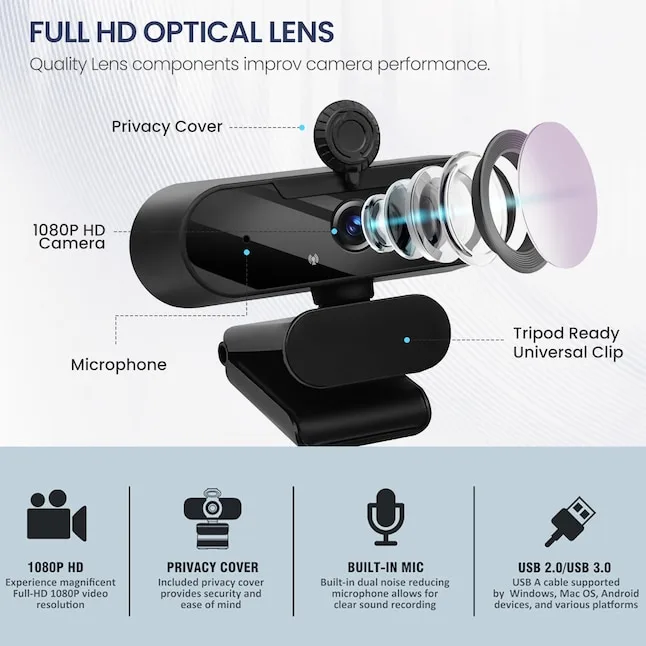
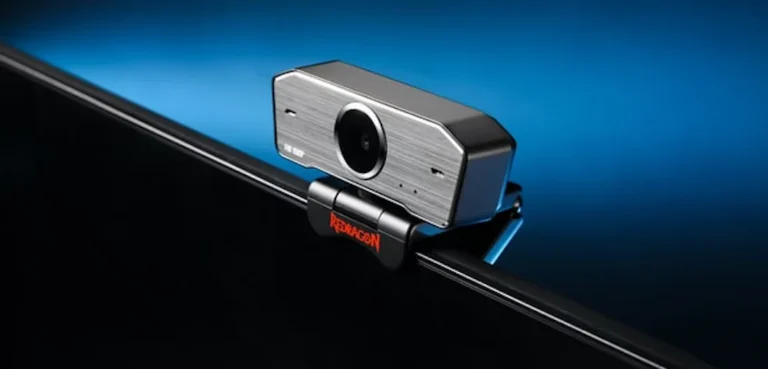
Choosing the best webcam involves matching your needs to key features like resolution, autofocus, and low-light performance. Prioritize 1080p resolution for clear everyday calls and consider 4K for professional content. Always check microphone quality and ensure it's compatible with your computer.
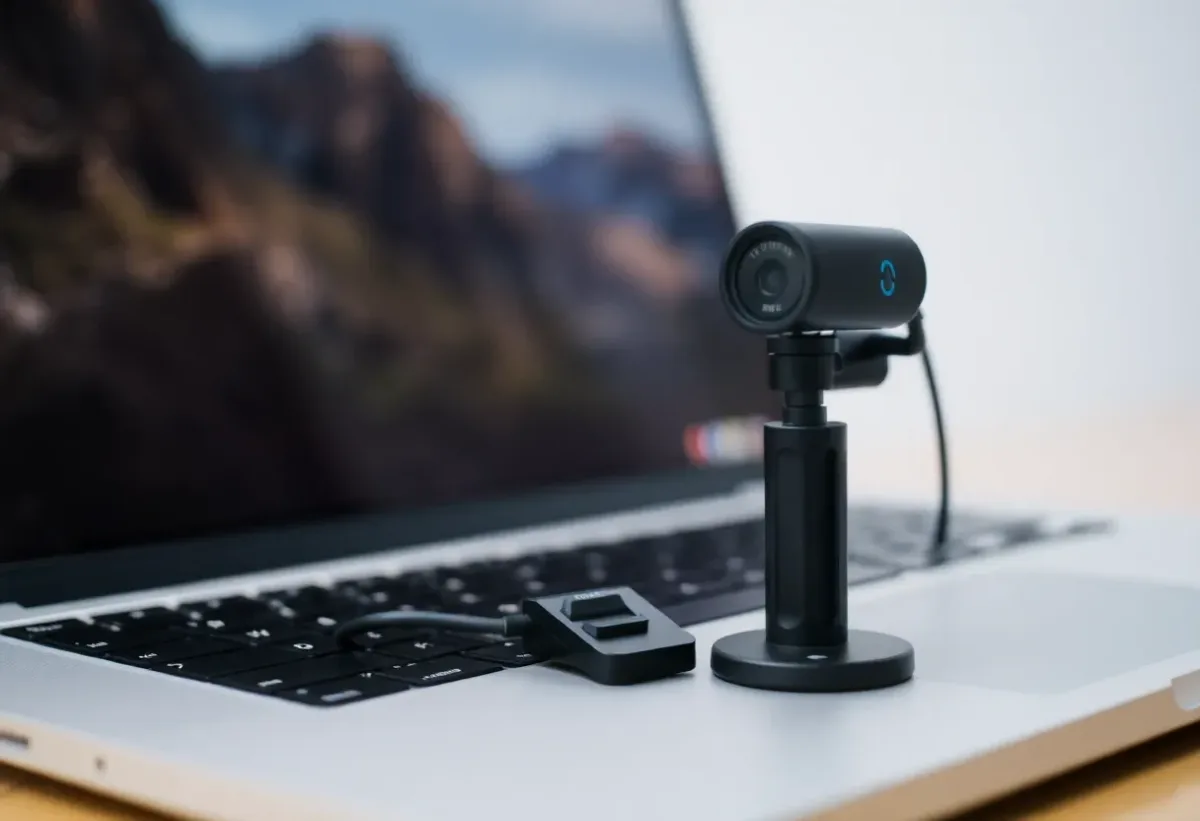
Image source: Web (Bing) / hackernoon.com (Web image (fair-use with source credit))
Understanding Key Webcam Features: What to Actually Look For
When you're browsing webcams, you'll see a lot of technical terms. Let's break down what they actually mean for you and your video calls. It's not just about the numbers; it's about how they translate into a better visual experience.
Resolution: More Pixels, More Clarity?
Resolution tells you how many pixels make up the image. Higher resolution means more detail and a sharper picture.
- 720p (HD): This was the standard a few years back. It's okay for basic chats but can look grainy on larger screens.
- 1080p (Full HD): This is the sweet spot for most users. It offers a significant upgrade in clarity and detail, making you look sharp without requiring a super-fast internet connection.
- 4K (Ultra HD): This provides four times the pixels of 1080p, offering incredible detail. It's fantastic for professional streaming or if you plan to zoom in and crop your video later. However, it demands a robust internet connection and a powerful computer to run smoothly.
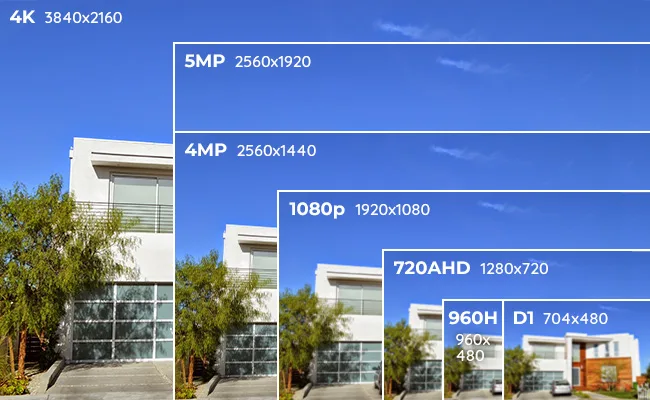
Image source: Web (Bing) / evasion-vocal26.com (Web image (fair-use with source credit))
Per manufacturer specifications, 4K webcams capture images with a resolution of 3840 pixels by 2160 pixels.
Autofocus & Frame Rate: For Smooth, Sharp You
These two features work together to make sure you look good, no matter how much you move.
- Autofocus: This is crucial. A webcam with good autofocus will constantly adjust to keep you sharp and in focus, even if you lean forward, backward, or shift slightly. Without it, you might find yourself blurry if you're not in a fixed position relative to the camera.
- Frame Rate (fps): This is the number of images the camera captures per second.
- 30fps: Standard for most video calls. It provides a natural-looking motion, good enough for most conversations.
- 60fps: This makes movement look incredibly smooth and fluid. It's a big plus for gamers, streamers, or anyone who makes a lot of quick gestures on camera.
Aggregated user feedback indicates that 60fps can make a noticeable difference in perceived video quality for fast-paced online activities.
Field of View & Low-Light Performance: Seeing What Matters
The field of view dictates how much of your surroundings the camera captures, while low-light performance determines how well it handles dim environments.
Field of View (FoV):
- Narrow (around 60-78 degrees): This focuses tightly on just you, ideal for one-on-one calls where your background isn't important.
- Wide (90-110 degrees): This shows more of your environment. It's great if you want to include your workspace, have multiple people in frame, or give a presentation where your background adds context.
Low-Light Performance: This is how well a webcam functions when the lighting isn't ideal, like in a dimly lit room or during evening calls. Good low-light performance means the image will remain clear and relatively noise-free, rather than becoming grainy or washed out.
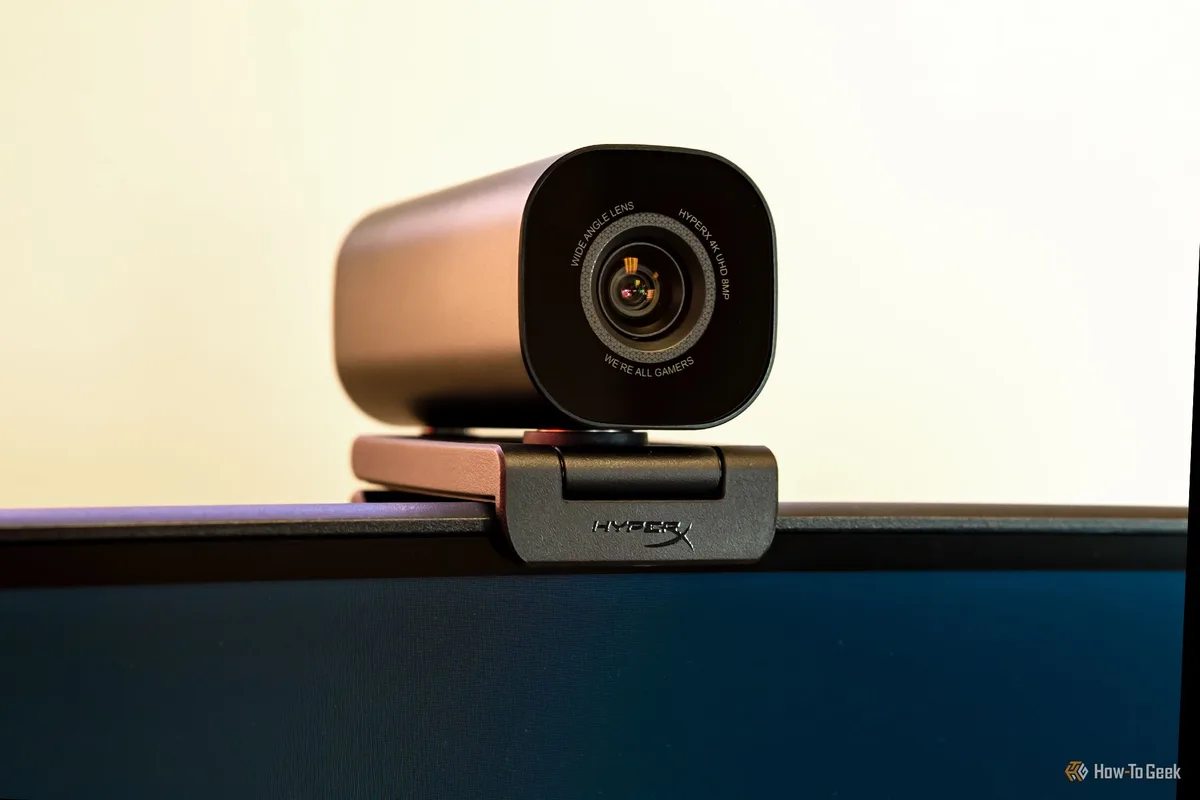
Image source: Web (Bing) / howtogeek.com (Web image (fair-use with source credit))
According to technical reviews, webcams with larger sensors and wider apertures tend to perform better in low-light conditions.
Common Webcam Problems and How to Avoid Them
Many issues users face with webcams boil down to a few common pitfalls. A frequent frustration is grainy or pixelated video, often stemming from a webcam that can't handle low-light conditions or is set to a resolution your internet connection can't support. If you're on a slow internet connection, a high-resolution 4K webcam might actually perform worse than a 1080p one due to data transfer limitations.
Another common problem is a blurry image, which usually happens if the webcam lacks reliable autofocus or if you're positioned too far or too close to a fixed-focus camera. Audio quality is also a frequent complaint; many built-in microphones pick up too much background noise or sound muffled. To avoid these, always check the webcam's specifications for autofocus and, if possible, look for reviews that specifically test its performance in varied lighting.
For audio, consider a webcam with noise-canceling microphones or be prepared to use a separate headset.
Finding the Right Webcam: Which is Best For You?
There’s no single "best" webcam because what’s perfect for one person might be overkill or simply not right for another. It really boils down to your primary use case. Think about how you'll be using it most often.
- For casual video calls: If your main goal is to chat with friends, family, or colleagues in straightforward video meetings, you need something reliable that offers good clarity without being overly complicated. A solid 1080p resolution with decent autofocus is usually all you need here.
- For content creation and streaming: If you're aiming for a professional look on platforms like YouTube or Twitch, image quality, smooth motion, and good performance in less-than-ideal lighting become much more important. Higher resolutions and frame rates are often essential.
- For professional presentations: When you need to look your absolute best for important client meetings or virtual presentations, consistency and polished appearance are key. This often means prioritizing excellent image stabilization, professional-grade microphones, and dependable autofocus.
Best Webcams for Everyday Work & Family Calls
For daily video chats, the aim is clear communication without fuss. You want a webcam that plugs in, works, and makes you look presentable.
- Resolution: 1080p is the benchmark here. It provides sharp, clear images that look great on most screens and won't strain your internet connection.
- Autofocus: Essential for keeping you in focus as you move naturally.
- Microphone: A decent built-in microphone that can capture your voice clearly is usually sufficient. Look for models that mention noise reduction.
- Ease of Use: Plug-and-play functionality is key. You don't want to spend time on complicated driver installations.
These webcams often fall into a more budget-friendly category. For instance, many models meeting these criteria are priced between $50 and $100 as of 2026. They offer a significant step up from your laptop's built-in camera without a hefty investment.
Best Webcams for Content Creators & Streamers
If you're serious about creating video content or live streaming, image quality and performance under various conditions are paramount. Your audience needs to see you clearly, and smooth motion makes your content more engaging.
- High Resolution: 1080p at 60fps is a minimum for many streamers, offering both clarity and smooth motion. 4K resolution is also becoming more common, providing exceptional detail, especially if you plan to zoom or crop.
- Excellent Low-Light Performance: Streamers rarely have perfect studio lighting. A webcam that handles dim conditions well, reducing graininess and maintaining color accuracy, is invaluable.
- Manual Controls: The ability to manually adjust settings like focus, exposure, and white balance allows you to fine-tune your image for the best possible look, regardless of your environment.
- Wider Field of View (Optional): This can be useful for showing more of your setup or if you have guests on your stream.
These webcams often come with more advanced features and a higher price tag, typically ranging from $100 to $200 or more.
Best Webcams for Professional Presentations
For those who represent companies or deliver crucial information, a professional appearance is non-negotiable. Every detail matters when you're trying to build trust and convey authority.
- Superior Image Clarity: This means top-tier 1080p or 4K resolution with excellent detail and color reproduction.
- Consistent Performance: You need a webcam that delivers a polished look every time without fail, featuring reliable autofocus and exposure that adapts quickly and smoothly.
- Professional Audio: High-quality built-in microphones with effective noise cancellation are crucial for clear communication.
- Privacy Features: A physical privacy shutter is a must-have for security and peace of mind.
- Brand Reputation: Established brands known for reliability in professional settings often provide better support and more consistent quality.
Webcams designed for this market can range from $150 upwards, reflecting their advanced features and build quality, with some professional models exceeding $300.
Webcam Costs: What to Expect and What You Get
When you're shopping for a webcam, the price tags can vary quite a bit. This cost difference usually reflects the features, build quality, and intended use of the device. Understanding these ranges helps you set a realistic budget and know what to expect.
- Budget-Friendly ($30, $75): These are typically 720p or basic 1080p webcams. They're suitable for very casual video calls where pristine quality isn't a priority. You might find autofocus is a bit slow or that low-light performance is poor.
- Mid-Range ($75, $150): This is where most people find a sweet spot. You'll get reliable 1080p resolution, good autofocus, decent microphones, and improved low-light capabilities. These are excellent for general work-from-home use and everyday video chatting.
- Premium/Professional ($150+): In this tier, you're looking at advanced features like 4K resolution, higher frame rates (60fps), better optics, superior microphones, and more robust software controls. These are best for serious streamers, content creators, and professionals who need the absolute best image quality and performance.
Manufacturer data confirms that higher-priced models often incorporate superior image sensors and advanced processing chips, leading to better overall video output. As of 2026, the market shows a steady increase in the feature set offered at mid-range price points.
Frequently Asked Questions About Webcams
Do I really need a webcam if my laptop has one?
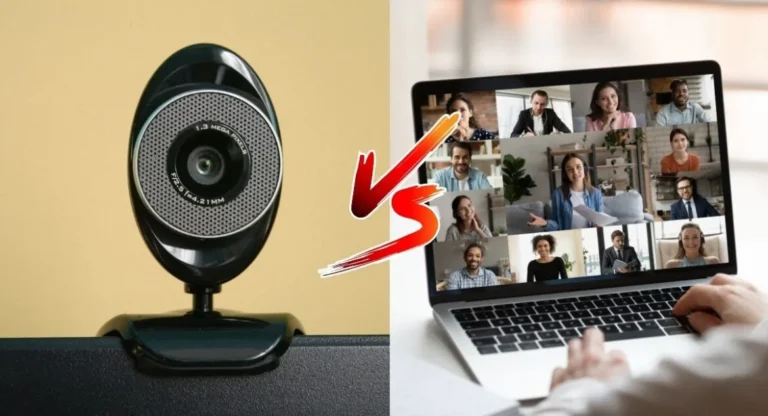
Most built-in laptop webcams are 720p and have fairly basic microphones. If you need better image clarity for work, professional presentations, or streaming, a dedicated external webcam will offer a significant upgrade in resolution, low-light performance, and audio quality. For casual family chats, your laptop's camera might suffice, but an external one generally provides a much better experience.
What's the difference between webcam resolution and frame rate?
Resolution refers to the image's detail, measured in pixels (e.g., 1080p or 4K). Frame rate (fps) measures how smoothly motion appears, with higher numbers meaning smoother video. A 1080p webcam at 60fps will look sharper and have smoother movement than a 1080p webcam at 30fps.
Can a webcam with a good microphone replace my headset?
For many casual users, yes. Webcams with built-in, noise-canceling microphones can provide clear audio for video calls. However, if you're in a noisy environment, need studio-quality sound for broadcasting, or frequently participate in important meetings where audio fidelity is critical, a dedicated headset or USB microphone will always offer superior performance.
How much does a "good" webcam typically cost?
A "good" webcam, offering reliable 1080p resolution, solid autofocus, and decent audio for everyday use, generally costs between $75 and $150. Higher-end models with 4K resolution, advanced features, and professional-grade performance can range from $150 to over $300. Entry-level models for basic video calls can be found for under $50, but with noticeable compromises in quality.
Is 4K resolution really necessary for a webcam?
4K resolution (3840 x 2160 pixels) offers the highest level of detail, which is excellent for professional content creation, streaming, or if you plan to heavily crop or zoom into your footage. For most standard video calls, 1080p (1920 x 1080 pixels) provides more than enough clarity and is less demanding on your internet connection and computer processing power.