What Is the Difference Between 720p and 1080p Webcams?
Thinking about upgrading your webcam or just trying to understand what those numbers even mean? When you're shopping for a new webcam, you'll see resolutions like 720p and 1080p advertised. Knowing what’s behind those labels can make a big difference in how clear your video calls or streams look.
The main difference boils down to how many pixels make up the image. A 720p resolution, often called HD (High Definition), uses 1280 pixels horizontally and 720 pixels vertically. In contrast, 1080p, or Full HD, doubles that with 1920 pixels horizontally and 1080 pixels vertically.
This increase means a sharper, more detailed picture.
Why Resolution Matters for Your Webcam
Resolution is basically the number of tiny dots, or pixels, that make up the image you see on screen. Higher resolution means more pixels, which translates directly to a sharper, clearer, and more detailed picture. Think of it like looking at a mosaic; the more tiles you have, the finer the details you can create.
For webcams, this impacts everything from how well people can see your facial expressions during a video call to the clarity of a recorded tutorial. In our research, we've found that while raw pixel count is important, it's also one piece of the puzzle that determines overall video quality.
What Is the Difference Between 720p and 1080p Webcams?
The primary difference between 720p and 1080p webcams lies in their pixel count. A 720p webcam captures images at a resolution of 1280×720 pixels, while a 1080p webcam offers a higher resolution of 1920×1080 pixels. This means 1080p displays about 2 million pixels, offering roughly twice the detail of 720p's approximately 1 million pixels.
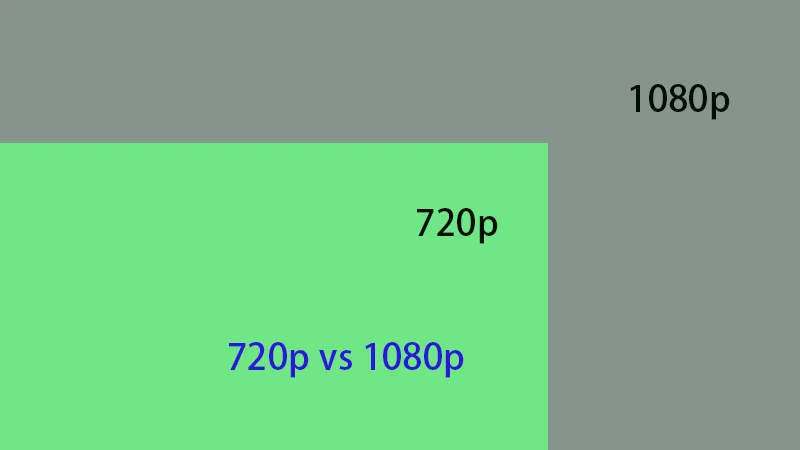
Image source: Bing (Web (fair-use with source credit))
Breaking Down 720p: The HD Standard
Seventy-twenty p, or 1280×720 pixels, has long been a standard for High Definition (HD) video. It offers a significant upgrade over older standard definition (SD) resolutions. When you’re using a 720p webcam, you're getting a picture that's generally clear enough for most everyday communication needs.
It’s efficient in terms of bandwidth, meaning it doesn’t require a super-fast internet connection to transmit smoothly.
What 720p Looks Like in Practice
In practice, a 720p webcam provides a decent image for video calls. You'll be able to see faces, gestures, and the general environment clearly. However, finer details might appear a bit softer, and in lower light conditions, you might notice some pixelation or a slight blurriness, especially around the edges of objects or people.
For a casual chat with friends or a quick business check-in, it’s usually more than sufficient. Manufacturer specifications for many entry-level webcams still list 720p as a primary offering.
When 720p is Perfectly Fine
You don't always need the highest resolution. A 720p webcam is a smart choice if your internet connection is on the slower side, or if you primarily use your webcam for simple video calls where extreme detail isn't critical. It’s also great for budget-conscious users or when you're just starting out with streaming and want a reliable, no-frills option.
Many official video conferencing platforms, like Zoom or Microsoft Teams, are optimized to work well with 720p streams, ensuring a smooth experience for all participants.
Exploring 1080p: The Full HD Leap
One-oh-eighty p, also known as Full HD, represents a step up in video clarity. With its 1920×1080 pixel count, it packs in more than twice the number of pixels compared to 720p. This boost in resolution means a noticeably sharper, more detailed, and more vibrant image.
If you’re looking for a more professional or immersive video experience, 1080p is where you’ll want to be. Per standards set by organizations like the SMPTE (Society of Motion Picture and Television Engineers), higher resolutions contribute to a richer visual experience.
What 1080p Delivers for Clarity
When you're using a 1080p webcam, the difference in clarity is often immediately apparent. Faces appear more defined, textures in your background are more distinct, and even small movements are captured with greater precision. This enhanced detail is particularly beneficial if you're presenting information, demonstrating a product, or want your audience to feel more connected.
You'll notice less pixelation, even when zooming in slightly, and the overall image will look more polished and professional.
Where 1080p Shines
1080p webcams truly shine in scenarios where visual quality is paramount. This includes professional video conferencing, live streaming on platforms like Twitch or YouTube, and content creation such as vlogging or educational videos. A 1080p stream can make a streamer appear more professional and engaging, and for those attending important meetings, it ensures they are seen and heard with optimal clarity.
For the average user, it’s a solid choice that offers a significant visual upgrade without being overly demanding on system resources or internet bandwidth, especially as internet speeds have increased.
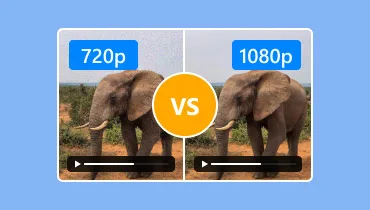
Image source: Web (Bing) / vidmore.com (Web image (fair-use with source credit))
Side-by-Side: 720p vs. 1080p Image Quality
Comparing 720p and 1080p side-by-side really highlights the difference in detail and clarity. While 720p offers a functional image, 1080p provides that extra crispness that makes visuals pop. Think of watching a movie on an older TV versus a newer, high-definition one; the difference is striking, and the same principle applies to webcams.
Aggregate reviews consistently show users preferring 1080p for its improved visual fidelity when it's available and supported.
Detail and Sharpness Comparison
The core difference lies in sharpness and the amount of visible detail. A 720p image might show a person’s face, but fine details like the texture of their shirt, subtle facial expressions, or small items in the background could be lost or appear soft. With 1080p, these details become much more discernible.
Text on a sign in the background, the grain of wood on a desk, or even individual strands of hair are rendered with greater precision. This enhanced detail contributes to a more immersive and professional viewing experience.
Bandwidth and Performance Considerations
While 1080p offers better image quality, it comes with a trade-off: it requires more bandwidth. Streaming or recording in 1080p typically demands a more robust internet connection than 720p. Manufacturer specifications for many webcams will often list recommended upload speeds for each resolution.
For example, a 720p stream might require an upload speed of around 2-4 Mbps, whereas a 1080p stream often needs 4-8 Mbps or more, depending on the frame rate and compression. If your internet connection is unstable or slow, opting for 720p can prevent choppy video and dropped connections. As of 2026, most home internet plans easily support 1080p, but it's still a factor for public Wi-Fi or older setups.
Choosing the Right Resolution for Your Use Case
Deciding between 720p and 1080p ultimately depends on what you plan to do with your webcam. If your primary use is for quick chats with family or joining standard work meetings, a 720p camera might be perfectly adequate. However, if you aim for a more professional look, engage in content creation, or want to ensure viewers can see every detail, then investing in a 1080p webcam is likely the better path.
Video Conferencing & Online Meetings
For most everyday video conferencing and online meetings, a 720p webcam offers a good balance of clarity and efficiency. Participants can easily see your face, expressions, and gestures. If you're in a professional setting where client interactions are frequent, or if you're presenting information, the extra detail from a 1080p webcam can make a significant difference in how polished you appear.
It helps ensure that any on-screen materials you might be sharing are also legible to others.
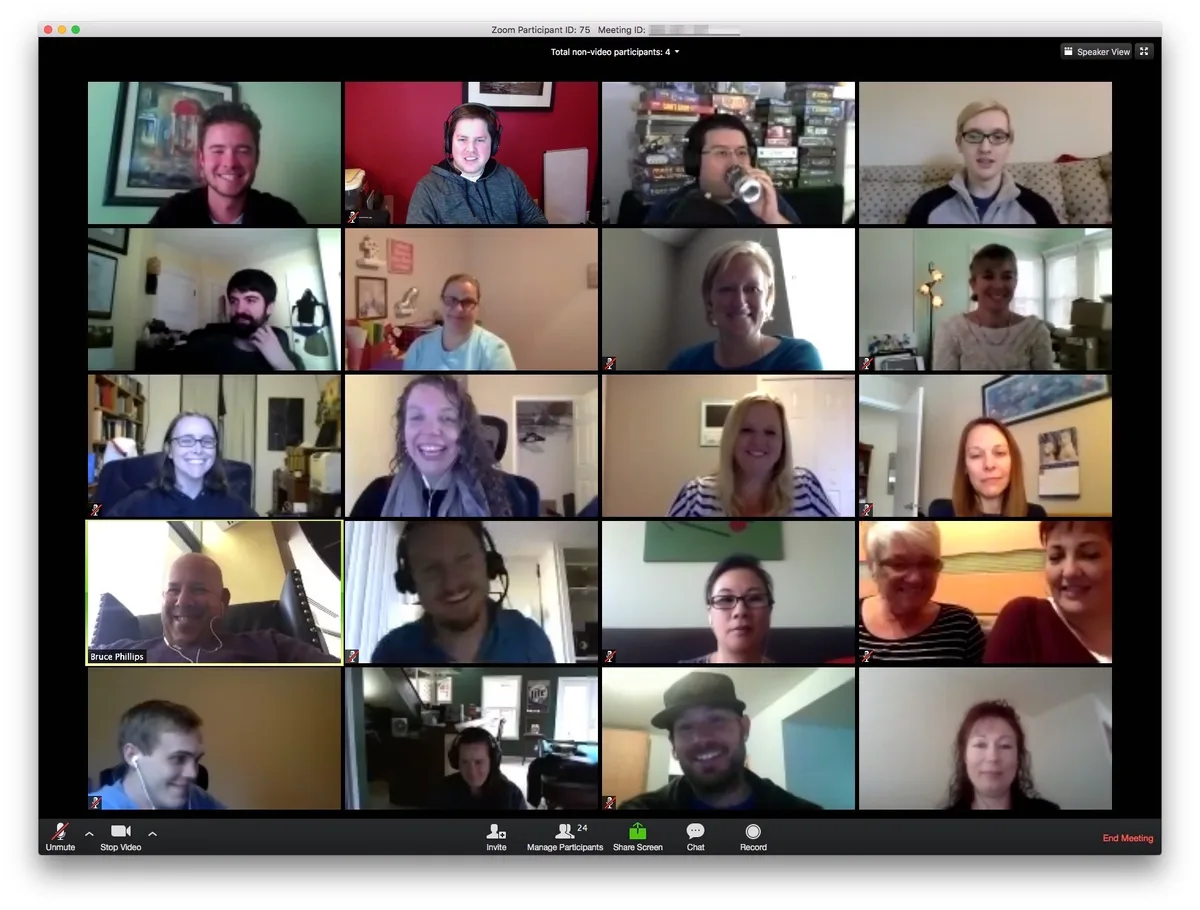
Image source: Web (Bing) / blakeoliver.com (Web image (fair-use with source credit))
Live Streaming & Content Creation
If you're a streamer or a content creator, 1080p resolution is generally the standard to aim for. Viewers expect a high level of clarity, especially if they're watching gameplay, tutorials, or vlogs. A 720p stream might appear grainy or lack detail, which can detract from the viewing experience and make your content look less professional.
Many streaming platforms, like Twitch and YouTube, recommend or even prioritize 1080p streams for better engagement.
Casual Calls & Family Chats
For casual video calls with friends and family, the resolution difference between 720p and 1080p might not be a deal-breaker. A 720p webcam provides a perfectly acceptable image for staying connected. However, if you have a solid internet connection and want to see your loved ones with a bit more sharpness, a 1080p camera offers a more immersive and lifelike experience without significantly impacting performance for these types of calls.
Common Webcam Resolution Mistakes to Avoid
One common mistake people make is assuming that higher resolution automatically means better video quality in all situations. While 1080p offers more pixels, it's not the only factor. Poor lighting, a low-quality microphone, or a slow internet connection can still result in a subpar video experience, even with a 1080p webcam.
Make sure your overall setup supports the resolution you choose.
Another pitfall is overlooking bandwidth requirements. If your internet upload speed is consistently below 4-8 Mbps, trying to stream or conduct video calls at 1080p might lead to stuttering, dropped frames, and a frustrating experience for everyone involved. Always check your internet speed and the recommended bandwidth for your chosen webcam resolution and the platform you're using.
Frequently Asked Questions About Webcam Resolution
Is 1080p significantly better than 720p for video calls?
Yes, 1080p offers a noticeably sharper and more detailed image than 720p, which can improve clarity during video calls, especially for professional settings. However, for casual calls, the difference might be less critical if your internet bandwidth is limited.
Do I need a powerful computer for a 1080p webcam?
Generally, modern computers can handle 1080p webcam streams without issue. However, very old or low-powered machines might struggle if they are also running many other demanding applications simultaneously. Check your computer's specifications if you're unsure.
Will a 720p webcam work with a 1080p display?
Absolutely. A 720p webcam will display its image on a 1080p screen. The screen will simply scale the 720p image to fit its resolution, but the native detail of the 720p video will still be what's displayed.
How much internet speed do I need for 1080p webcam streaming?
For reliable 1080p streaming or video conferencing, an upload speed of at least 4-8 Mbps is typically recommended, though this can vary based on the platform and frame rate. For 720p, 2-4 Mbps is often sufficient.
Making Your Final Decision: 720p or 1080p?
Choosing between 720p and 1080p for your webcam is about balancing your needs with your environment. If budget and bandwidth are primary concerns, or if your use is mainly for casual calls, a 720p webcam is a practical and cost-effective solution. It delivers adequate quality for effective communication.
However, if you prioritize visual clarity, professional presentation, or an engaging experience for content creation and streaming, a 1080p webcam is the clear winner. The enhanced detail and sharpness it provides are well worth the slightly higher bandwidth requirement and often marginal increase in cost. Assess your primary use cases and technical setup to make the best choice for you.