Are External Webcams Better Than Built-In Webcams?
Even the most advanced laptops and monitors come with a built-in webcam, and for casual chats, they often do the job just fine. But if you've ever felt your video feed looks a little grainy, blurry, or just plain unprofessional, you've likely wondered: Are external webcams better than built-in webcams? The answer is often a resounding yes, especially as video communication becomes a bigger part of our daily lives.
When you’re relying on your webcam for job interviews, important client meetings, or streaming to an audience, video quality matters. While built-in cameras offer convenience, they typically lag behind dedicated external units in performance metrics. For example, many integrated webcams still default to lower resolutions, like 720p (1280×720 pixels), whereas even entry-level external webcams commonly offer 1080p (1920×1080 pixels) or higher.
This disparity in raw imaging power is just the beginning of how external webcams can elevate your visual presence.
Are External Webcams Better Than Built-In Webcams?
Yes, external webcams are generally better than built-in webcams for most users prioritizing video quality. They offer superior resolution, better low-light performance, and more versatile features. Built-in cameras provide convenience but often compromise on image clarity and overall visual polish.
When Does Your Built-In Webcam Just Not Cut It?
You’ve probably been there: you’re on an important video call, and you notice your face is either washed out or you’re practically a silhouette. Maybe your colleagues can’t quite make out your expressions because the image is too blurry, or your background looks like a stretched-out mess. These are classic signs that your built-in webcam is reaching its limits.
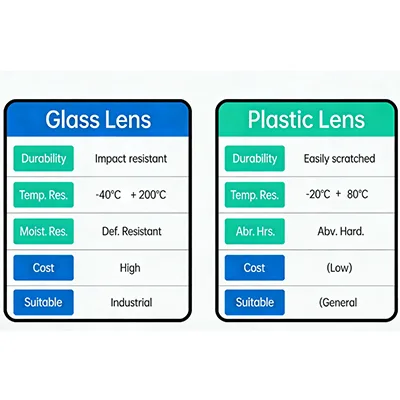
Integrated cameras are designed for basic functionality, prioritizing space-saving and cost-efficiency in device manufacturing. They often use smaller sensors and less sophisticated optics compared to their external counterparts. Aggregate reviews report that while a 720p built-in camera might be adequate for a quick video chat, it struggles significantly in less-than-ideal lighting conditions.
This can make you appear less professional or engaged than you actually are.
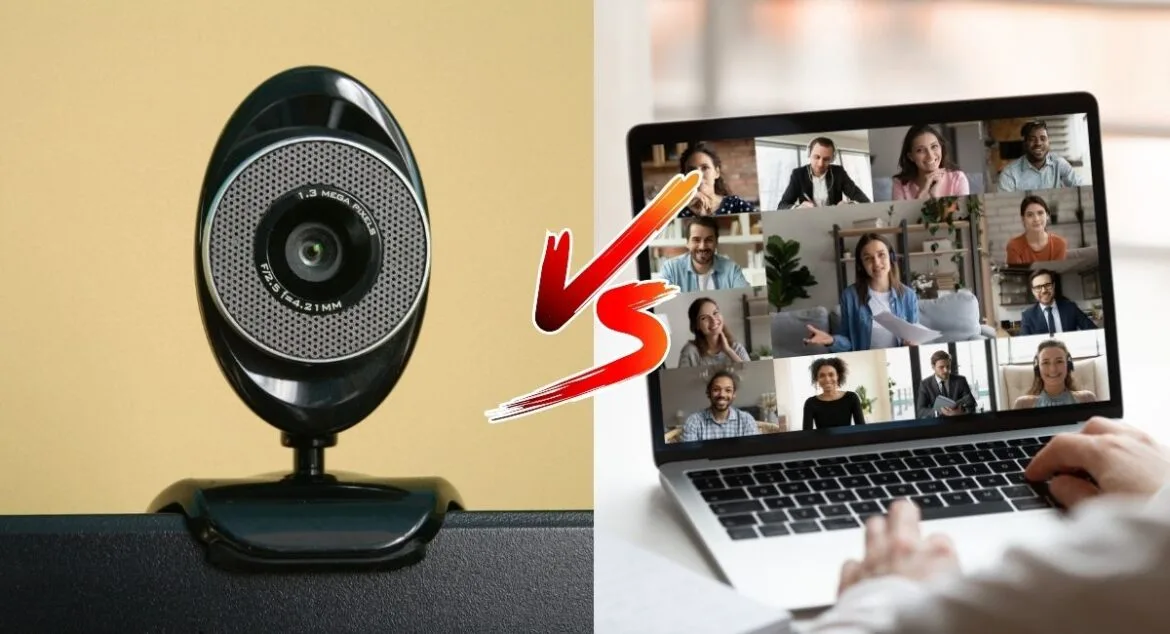
Image source: Bing (Web (fair-use with source credit))
If your video feed consistently looks grainy in the evening, if your focus jumps around annoyingly, or if you feel like you're always battling to get the right lighting, it's a strong indicator that your built-in webcam isn't meeting your needs anymore. It's time to consider an upgrade.
The Key Differences: What to Look for in a Webcam
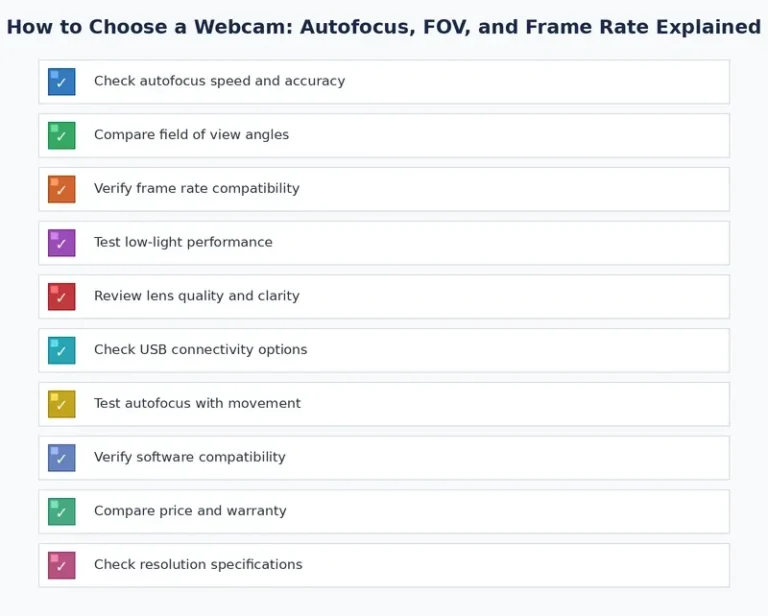
When you’re comparing webcams, you’ll see a lot of technical terms thrown around. Understanding these core features will help you figure out what actually makes an external webcam a step up. It's not just about the numbers; it's about how those numbers translate into a better picture and a smoother experience for whoever is watching you.
Resolution and Frame Rate: Clarity Matters
This is often the first spec people look at, and for good reason. Resolution tells you how many pixels make up the image, directly impacting detail and sharpness. A higher resolution means a clearer, more defined picture.
Frame rate, measured in frames per second (fps), determines how smooth your video looks. For most video calls, 30fps is standard, but 60fps can provide a noticeably more fluid motion, especially if you’re doing something active or streaming.
- 720p (HD): Standard for many built-in laptop cameras. Adequate for basic communication.
- 1080p (Full HD): Common for entry to mid-range external webcams. Offers significantly better clarity.
- 1440p (QHD) / 2160p (4K): Found on higher-end external models. Provides exceptional detail, great for content creation or professional presentations.
Manufacturer specifications often highlight these numbers, but keep in mind that the actual image quality also depends heavily on sensor size and image processing.
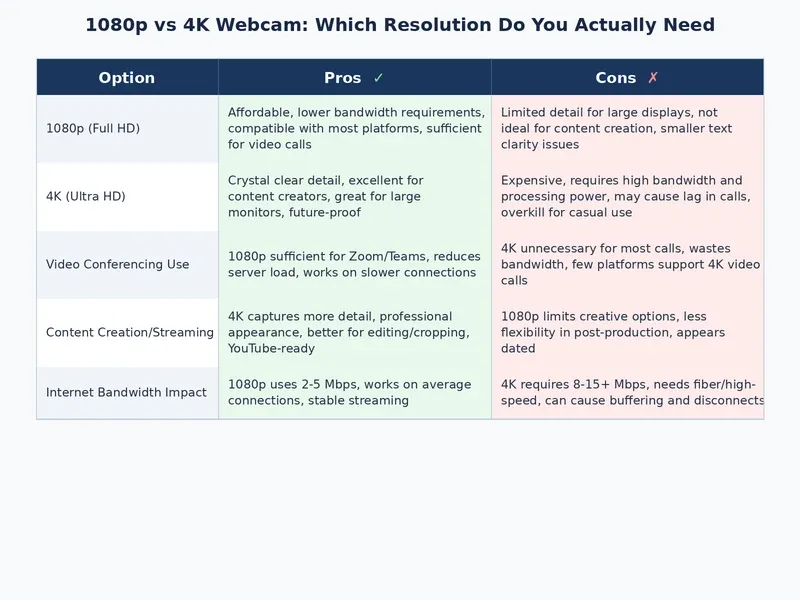
Image source: Web (Bing) / ceedo.com (Web image (fair-use with source credit))
Field of View: See More (or Less) of Your Space
The field of view (FOV) dictates how much of your surroundings the camera captures. It’s measured in degrees. A wider FOV means you can fit more into the frame, which can be great if you want to show more of your workspace or if you have a lot of movement.
However, too wide a FOV can create a distorted "fish-eye" effect or include distracting elements in your background. Many external webcams offer adjustable FOV, giving you flexibility. Built-in cameras usually have a fixed, moderate FOV that’s generally safe but not always optimal.
Low-Light Performance: Fighting the Gloom
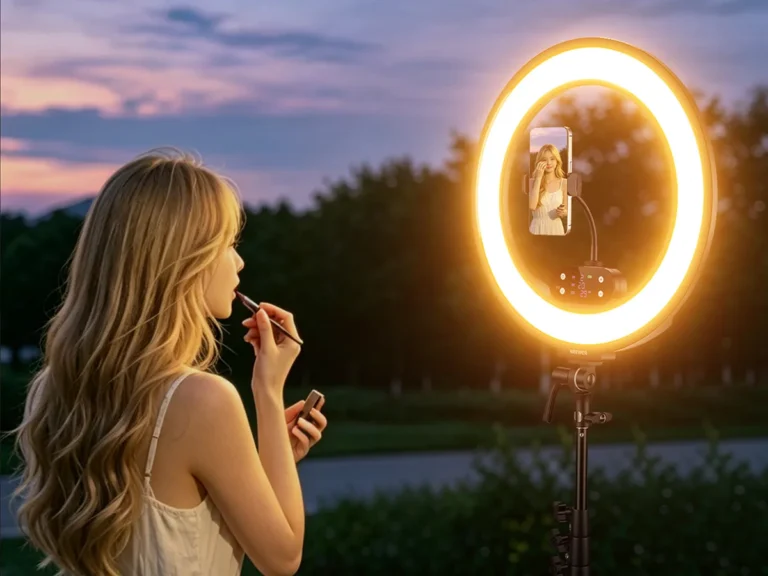
This is where many built-in webcams really fall short. Low-light performance refers to how well a camera can capture a clear image when the lighting isn't ideal. An external webcam with a larger sensor and better image processing can often produce a usable image in dimly lit rooms, whereas a built-in camera might result in a noisy, grainy, or completely black image.
If you often work in rooms without abundant natural light, this feature is crucial.
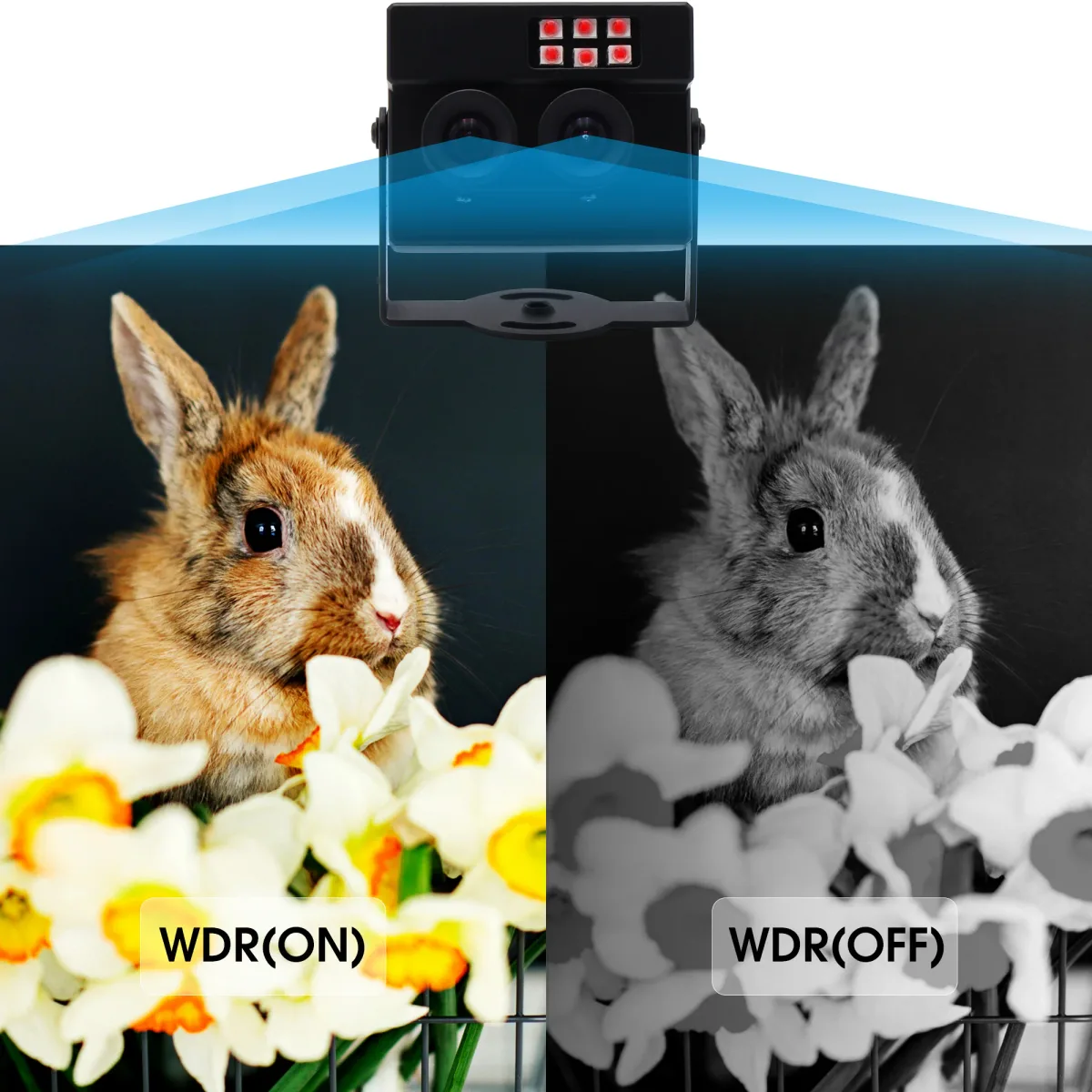
Image source: Web (Bing) / camerasboard.com (Web image (fair-use with source credit))
Microphone Quality: Are You Heard Clearly?
While this article focuses on video, it’s worth noting that webcams also have microphones. Most built-in microphones are designed for basic audio capture and can pick up a lot of background noise, such as keyboard typing or room echo. Many external webcams come with improved microphones, and some higher-end models even feature noise-canceling technology.
However, if audio is paramount, many professionals opt for a dedicated microphone or headset anyway.
The Big Picture: Pros and Cons of Each Type
Understanding the advantages and disadvantages of both built-in and external webcams helps you make a clear decision about what you need. It’s not always about having the absolute best technology, but rather the right technology for your specific situation and budget.
Built-in Webcam Advantages
- Convenience: They're already there, no setup required. Just open your video call app, and it usually works.
- Space-Saving: They don't take up extra desk space or require additional ports.
- Cost-Effective: They don't add to the overall price of your laptop or monitor.
External Webcam Advantages
- Superior Image Quality: Higher resolutions, better sensors, and improved optics lead to sharper, clearer images.
- Better Lighting Performance: Crucial for looking good in any environment, from bright offices to dim living rooms.
- Enhanced Features: Adjustable FOV, autofocus, better microphones, and sometimes even AI-powered features like automatic framing.
- Flexibility: You can position them for the best angle and easily upgrade when new technology emerges.
- Privacy Control: Many external webcams come with physical privacy shutters, offering peace of mind.
Common Pitfalls with Both
- Built-in: Poor low-light performance, limited FOV, mediocre audio, and often fixed angles that can be unflattering.
- External: Can clutter your desk, requires an open USB port, and there's an additional cost involved. Overly wide FOVs can sometimes distort your appearance.
Who Needs a Better Webcam? Real-World Scenarios
The decision to upgrade from a built-in webcam often hinges on how you use your camera. If video calls are a rare occurrence, your integrated unit might suffice. But for many, video is now a primary communication tool, and the demands are higher.
For the Remote Professional
If you work from home or are constantly on remote calls with clients or colleagues, your webcam is your face to the business world. A crisp, clear image conveys professionalism and attention to detail. When you're presenting data, sharing designs, or just collaborating, a good external webcam ensures your message lands clearly.
It helps build trust and makes you appear more engaged. Many companies now expect a certain level of video quality, and relying on a poor built-in camera can be a disadvantage.
For the Online Educator or Student
Whether you're teaching a virtual class or attending one, clear visuals are essential for effective learning. Educators need to be seen clearly by students, and students need to be able to see their instructors and materials without distraction. A better webcam can help maintain engagement, especially when explaining complex topics or demonstrating tasks.
For students, appearing clear and present in online classes can improve their participation and make them feel more connected to the learning environment.
For the Content Creator or Streamer
This audience generally requires the highest quality video. While dedicated DSLR or mirrorless cameras are often preferred for professional streaming, a high-end external webcam can be an excellent starting point or a convenient secondary option. For content creators producing tutorials, vlogs, or engaging in live streams, a sharp image, good color reproduction, and smooth motion are non-negotiable.
Poor video quality can deter viewers and detract from the creator's brand.
Making the Choice: Which Webcam is Right for You?
Deciding between sticking with your built-in webcam or investing in an external one boils down to your priorities and how you use your computer for video communication. If budget is the absolute main concern and your video needs are minimal, think occasional quick chats with family, then your integrated camera will likely suffice. However, if you're striving for a more professional appearance, need to communicate clearly in various lighting conditions, or simply want better overall video quality, an external webcam is a sensible upgrade.
Consider your current frustrations. Are you constantly adjusting lights? Do people frequently ask you to repeat yourself because of audio issues?
Do you feel your video quality holds you back professionally? If you answer yes to any of these, it’s a strong signal that an external unit would be a worthwhile investment. As of 2026, the market offers a wide range, from affordable 1080p options to high-end 4K cameras with advanced features.
Frequently Asked Questions About Webcams
How much do external webcams typically cost?
Prices vary widely, but you can find solid 1080p external webcams starting around $30 to $50. Mid-range models with better specs like improved autofocus or low-light performance often fall between $60 and $100. High-end 4K cameras or those with specialized features can range from $100 up to $200 or more.
Do I need special software to use an external webcam?
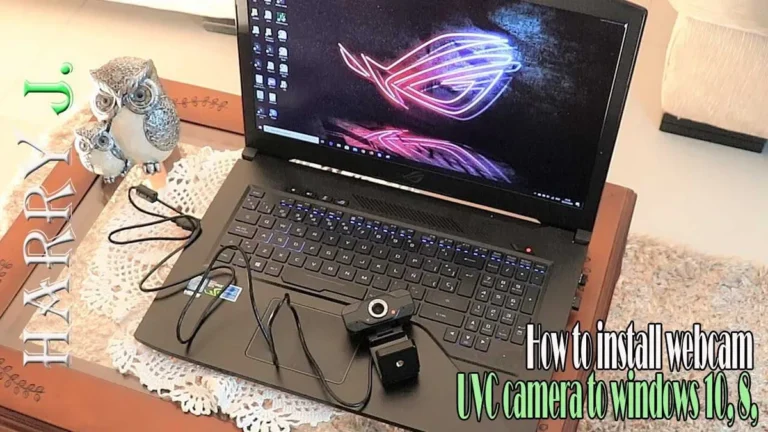
Most external webcams are plug-and-play, meaning they work with your computer’s operating system immediately after plugging them in via USB. Some manufacturers offer optional companion software that allows for finer control over settings like brightness, contrast, and focus. This software is usually free to download from the vendor's website.
Can I use my smartphone as a webcam instead of buying an external one?
Yes, you can! Several apps and software solutions allow you to connect your smartphone to your computer wirelessly or via USB to use its camera. This can be a cost-effective way to get high-quality video, as most modern smartphones have excellent cameras.
However, it can sometimes be less convenient than a dedicated webcam, as you’ll need to manage phone charging and app connectivity.
How important is the microphone on an external webcam?
While video quality is usually the primary driver for choosing an external webcam, the built-in microphone can also be a significant improvement over laptop mics. Look for models that advertise noise reduction or clearer voice capture if you plan to rely on the webcam's mic. For critical audio needs, however, a dedicated microphone or headset is still recommended.
Are privacy shutters standard on external webcams?
No, privacy shutters are not standard on all external webcams, though they are becoming more common, especially on models targeting professional users. Many higher-quality webcams will include a physical slider or cover that completely blocks the lens for privacy. If this is important to you, ensure the model you're considering specifically lists a privacy shutter among its features.